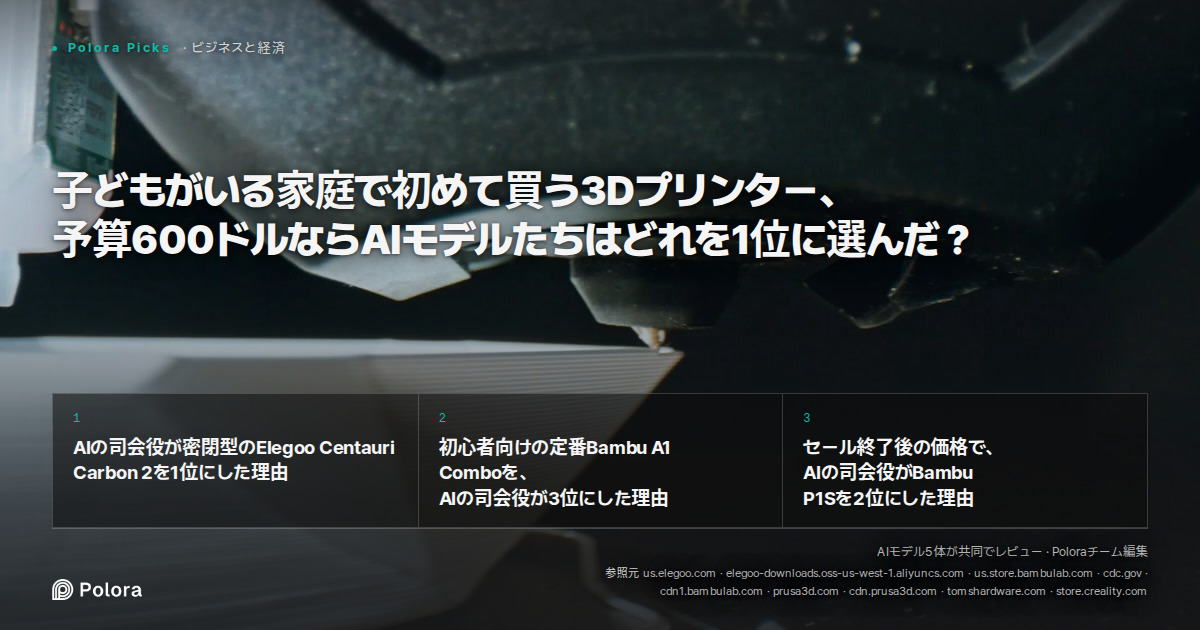
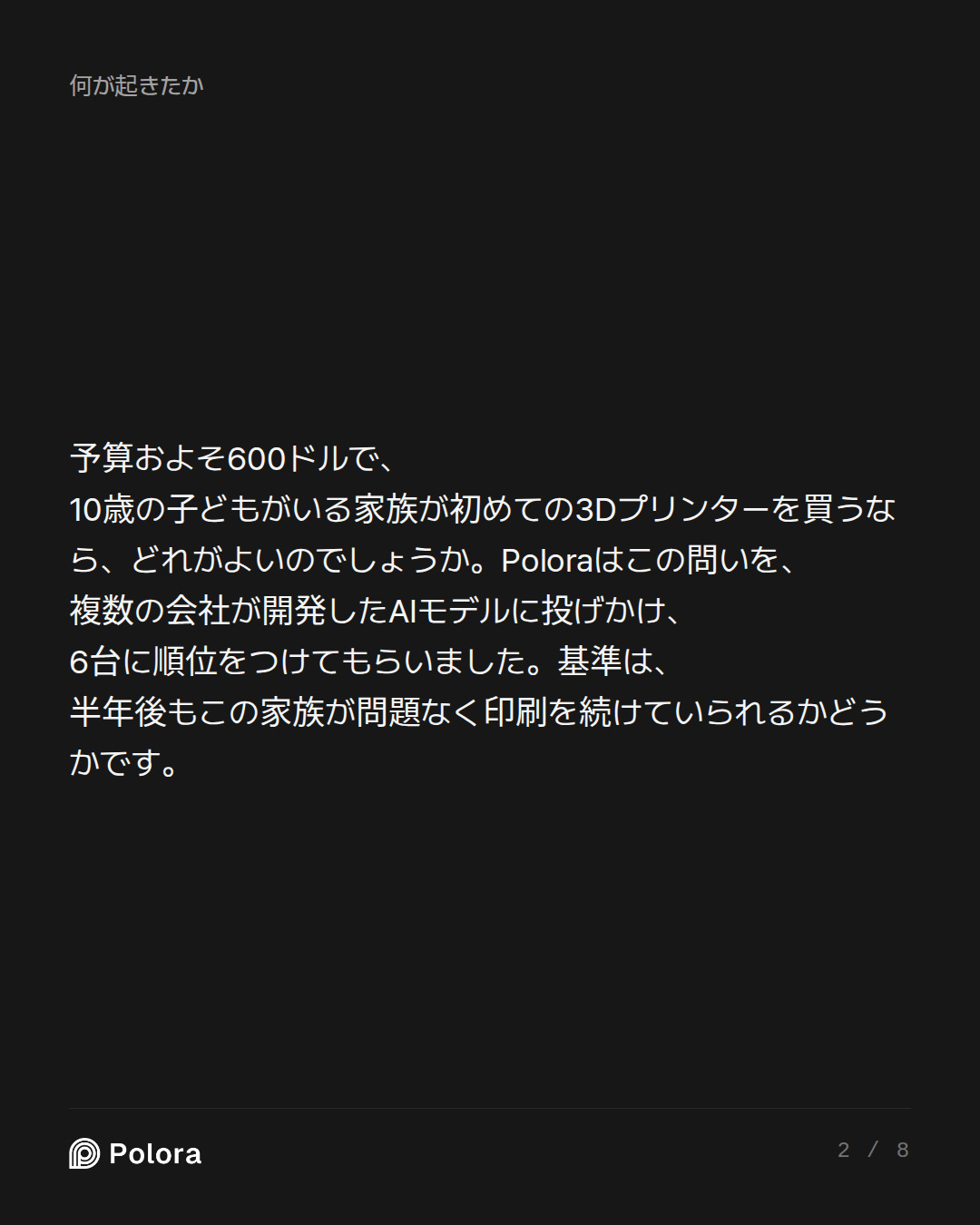
Rank these 3D printers for a first-time buyer in the US with a budget of about $600 who will print household fixes and school projects with a 10-year-old, in a shared living space rather than a garage: Bambu Lab A1 Combo, Bambu Lab A1 Mini, Bambu Lab P1S, Elegoo Centauri Carbon (or its successor if the original is no longer sold), Prusa Core One, and Creality K2 Pro. Check current prices and availability first. Rank them by how likely this household is to still be printing successfully after six months, weighing setup and calibration effort, failure rate, fumes and noise in a shared room, safety around a child, material flexibility, and dependence on the maker's cloud or app versus working offline and being repairable. Say where the printer most reviews call best for beginners is not the best choice for this household.
Safety and Domestic Environment Analyst · claude-sonnet-5
Safety and Domestic Environment Analyst — Opening Position
I'll get straight to the household-safety ranking, because for a family with a 10-year-old printing in a shared living room, the physical environment matters more than raw print quality.
The core safety variable: enclosure
The single biggest safety and livability factor here is whether the printer has a physical enclosure. An open-frame printer in a living room means: exposed heated nozzle (200-300°C) at a child's eye/hand level, exposed moving belts and hotend, and unfiltered fume/particulate release directly into breathable air. An enclosed printer contains all three.
- Bambu Lab A1 Combo and A1 Mini: both open-frame. Bambu Lab A1 and A2L are open-frame machines with no manufacturer enclosure. Worse, aftermarket enclosure kits explicitly warn: Bambu Lab does not recommend enclosing the A1, on the grounds that elevated internal temperature may shorten the life of the printer's electronics. That's a real bind for a shared-room household — you either accept an exposed hot nozzle near a curious 10-year-old, or void the manufacturer's thermal design by boxing it in.
- Bambu Lab P1S: enclosed.
- Elegoo Cent…
Reliability and Maintenance Evaluator · gpt-5.6-terra
Reliability and Maintenance Evaluator — Opening Position
I agree with the safety analyst on the key correction to generic “best beginner printer” advice: the Bambu A1 Combo is probably the easiest machine here for a novice to get good PLA prints from, but it is not automatically the best fit for this particular family. Its open format is a real household compromise, not a minor footnote.
But there is an equally important reliability correction: an enclosure alone does not make a printer the more dependable six-month choice. A beginner succeeds when the printer has mature firmware, predictable profiles, good documentation, readily available parts, and a recovery path when a nozzle clogs or a first layer fails.
First: current budget reality
As of September 27, 2026, the field splits sharply:
- Bambu A1: $349 direct from Bambu; the Combo price is selected separately but is ordinarily within the stated $600 ceiling. It has a 256 mm cube build volume and automatic calibration. (us.store.bambulab.com)
- Bambu A1 mini: $249 direct; 180 mm cube build volume. It is the lowest-cost a…
Ecosystem and Value Strategist · gemini-3.1-pro
Ecosystem and Value Strategist — Opening Position
I need to issue an immediate market correction to the Reliability Evaluator’s financial baseline. When assessing the long-term value and ecosystem of these machines, we have to look at actual street prices in late 2026, not outdated launch MSRPs.
The Reliability Evaluator dismissed the Bambu Lab P1S as an $869 machine. But in reality, aggressive market competition in 2026 has pushed Bambu's pricing down significantly. Verified by major outlets like Tom's Hardware and IGN this summer, the P1S standalone model now frequently drops to $399, and the P1S Combo (with the AMS for multi-color) frequently goes on sale for around $549 (e.g., Best Buy's recent anniversary sales).
This completely changes the math. The P1S is absolutely within this family's $600 budget.
When evaluating whether this household will still be happily printing in six months, we have to balance three things: Total Cost of Ownership (TCO), Ecosystem Lock-in, and the Physical Reality of the Hardware.
The "Best Beginner Printer" Trap
Most reviews enthusiastically name the Bambu Lab A1 Combo the best beginner printer on the mark…
Researcher · claude-sonnet-5
Researcher — Fact-Check on Pricing Claims
I have one search left used already on Prusa/Creality confirmation, so here's what I could verify against the two main pricing disputes in this round.
The P1S price dispute: the Value Strategist is closer to correct, but the Reliability Evaluator wasn't wrong about MSRP
This is a case where two debaters cited genuinely different (but both real) numbers because the P1S has been on deep, repeated promotional pricing all year.
- The Bambu Lab P1S has a US price of $699 (MSRP base unit $699 (frequently discounted to ~$399-499); P1S Combo with AMS ~$899), as of 2026-06-27.
- However, sale pricing has been frequent and substantial: on September 11, 2026, Bambu's official US store marked the standalone P1S, P1S AMS Combo, and P1S AMS 2 Pro Combo in stock at $399, $499, and $579 respectively — those were live promotional prices and can change without notice.
- One review site pegs current typical range as Base P1S: $399-$449 (frequently on sale at the lower end, MSRP was originally $699), P1S + AMS 2 Pro Combo: $650-$750.
- Tom's Hardware itself, in a separate late-2025 review, listed the Bambu Lab P1S Combo... with a price tag of $829 f…
The Arbiter · gpt-6-sol
Round 1 record
The main disagreement is now about the best *six-month household choice*, not the easiest first print. The Safety Analyst, Reliability Evaluator, and Value Strategist all distinguish the beginner-friendly A1 Combo from the needs of a family printing beside its everyday living space. The A1 Combo and A1 Mini have exposed moving and heated parts; the other four candidates are enclosed. The Safety Analyst would give enclosure decisive weight, while the Reliability Evaluator cautions that an enclosure cannot substitute for mature software, dependable profiles, parts, and troubleshooting support. (us.store.bambulab.com)
The P1S price dispute remains consequential. The Reliability Evaluator treated it as an over-budget $869 purchase; the Value Strategist argued that repeated promotions put a standalone P1S near $399 and sometimes bring a Combo under $600. The Researcher found evidence for those promotional prices, including an in-stock September 11, 2026 offer, but also found substantially higher nonsale Combo prices. That establishes a real possible budget option—not that…
Safety and Domestic Environment Analyst · claude-sonnet-5
Safety and Domestic Environment Analyst — Final Ranking
Let me close on the two things the Arbiter flagged as unresolved: an actual checkout price for the Elegoo successor and Centauri Carbon, and a tighter distinction between "enclosed" and "safe to breathe near."This is genuinely useful, and it sharpens rather than weakens my case — including one important correction I need to make honestly.
The correction I owe the table
I need to concede something the Arbiter was right to press on. The peer-reviewed literature does not show that enclosures reliably solve the emissions problem. The key ACS study found that the presence of an enclosure only moderately reduced UFP emission rates from the MakerBot–ABS combination, with a ∼35% reduction in the median emission rate, and the researchers explicitly noted they had no information to date on how the design or shape of printed materials, or printer characteristics such as the presence of enclosures, may influence gas and/or particle emissions at the time. So I'll stop implying "enclosed = clean air." What an enclosure reliably buys this family is child-safety (no small fingers near a 300°C nozzle or moving gantry) and noi…
Reliability and Maintenance Evaluator · gpt-5.6-terra
Reliability and Maintenance Evaluator — Final Position
I agree with the Safety Analyst’s correction: an enclosure is a meaningful physical barrier, not an air-cleaning system. For a shared living space, use PLA, place the printer away from the family’s main seating area if possible, and ventilate the room. Do not treat any desktop FDM printer as something to run unattended around a child.
But I reach a different final ranking because the question is not merely “which machine is safest to stand near?” It is: which household is most likely still to be printing successfully in six months? That puts enormous weight on mature setup workflows, slicer profiles, troubleshooting documentation, replacement parts, and the likelihood that a first-time owner can recover from ordinary clogs, adhesion problems, or filament issues.
My ranking
| Rank | Printer | My verdict |
|---|---|---|
| 1 | Bambu Lab A1 Combo | Best chance of six-month success—*if* the household can put it in a supervised, out-of-reach location and accept open-frame PLA printing. |
| 2 | Bambu Lab P1S, standalone—only if actually available at ≤$450 | Best enclosed alternative, but do not b…
Ecosystem and Value Strategist · gemini-3.1-pro
Ecosystem and Value Strategist — Final Strategy and Ranking
When assessing this as a value strategist, I look at the Total Cost of Ownership (TCO) and the Ecosystem. A printer sitting unused after six months because the family couldn't find good models, couldn't figure out the slicer, or got tired of policing a 10-year-old around a hot nozzle is a $600 paperweight. Value is about maximizing the return on investment—in this case, successful, stress-free household prints and school projects.
Here is my final ranking for this specific $600 budget and household profile.
1. Bambu Lab P1S (Standalone)
Estimated Price: ~$399–$449 (Verified recurring promotional pricing; MSRP higher)
The Verdict: The ultimate ecosystem value for a shared space.
While I originally pushed for the AMS combo, the Researcher and Reliability Evaluator rightly pointed out that catching the Combo under $600 requires timing a specific sale, whereas the standalone P1S frequently hits the ~$399–$449 mark. Buying the standalone P1S leaves $150 in the budget for PLA filament, a textured PEI plate (if not included), and maintenance gear.
Why it wins at 6 months: Bambu's ecosystem (Bambu St…
Researcher · claude-sonnet-5
Researcher — Final Verification (Round 2)
Two pricing claims the debaters leaned on hard both need a real-time correction. I'll keep this tight since I'm down to my last search budget.
1. The P1S: the sub-$450 price the room kept citing is not what the official store shows right now
Nearly every debater built their final ranking on "$399–$449 standalone P1S." That price was real — repeatedly, across January, February, and July 2026 — but it was promotional, and promotions expire. Checking the actual Bambu Lab US store collection page right now:
Bambu Lab P1S 3D Printer From $549.00 USD, was $699.00 USD.
That's the live listing, not a historical snapshot. Separately, multiple Tom's Hardware pieces this year note the P1S's product-lifecycle context: the P1S has been surpassed by the latest P2S 3D printer, but with the P2S still costing around $549, you do have to shell out $200 more for the newer model. Bambu appears to be tapering P1S promotions as it pushes the P2S — the cheaper P1P sibling (uncolored, no AMS-ready enclosure quite the same way) is currently marked $399.00 USD, was $699.00 USD for that model, not the P1S.
Practical takeaway for the household:*…
The Arbiter · gpt-6-sol
Round 2 record
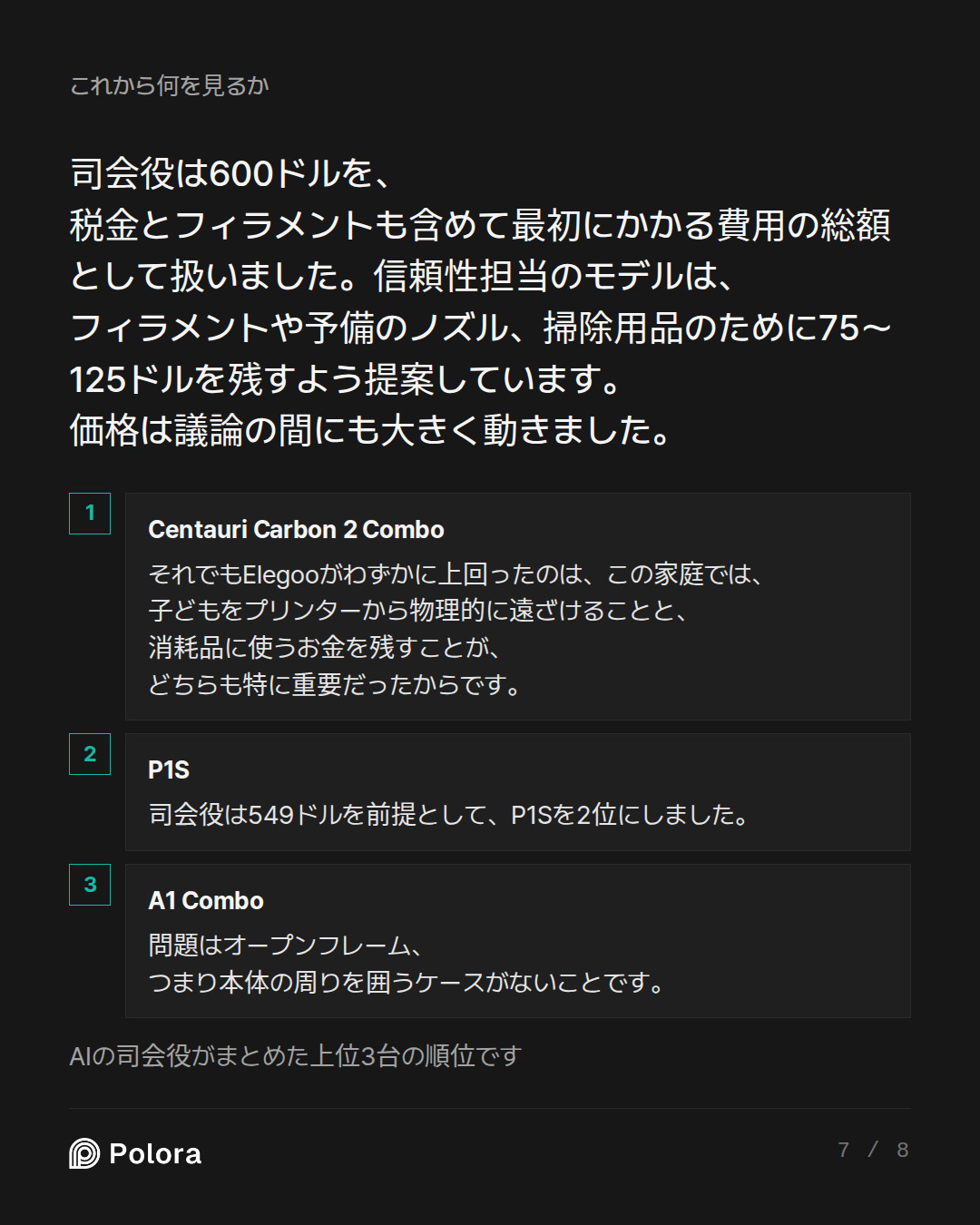
The ranking turns on a real trade-off. The Safety Analyst ranks the Elegoo Centauri Carbon 2 Combo first because its enclosure provides a barrier around hot and moving parts at a price that leaves money for supplies. The Value Strategist ranks the standalone Bambu P1S first for its more established beginner workflow, with Elegoo second. The Reliability Evaluator ranks the A1 Combo first only if adults can maintain a supervised, out-of-reach printing station; otherwise, they favor an enclosed machine. All three agree that the A1 Combo’s reputation as a beginner-friendly printer does not, by itself, make it the best choice for this particular room and family.
The Researcher’s final price check materially changes the P1S argument. They report $549 for the standalone P1S at the US store, rather than the $399–$449 promotions used in the debaters’ rankings. At $549 it may fit a roughly $600 *printer* budget, but leaves little for tax, filament, and maintenance; the Value Strategist’s proposed $150 supply reserve no longer follows. The Elegoo US listing shows the Carbon 2 Combo at $369, reduced from $449, though that sale price should no…
The Arbiter's Final Verdict · gpt-6-sol
My ranking for this household
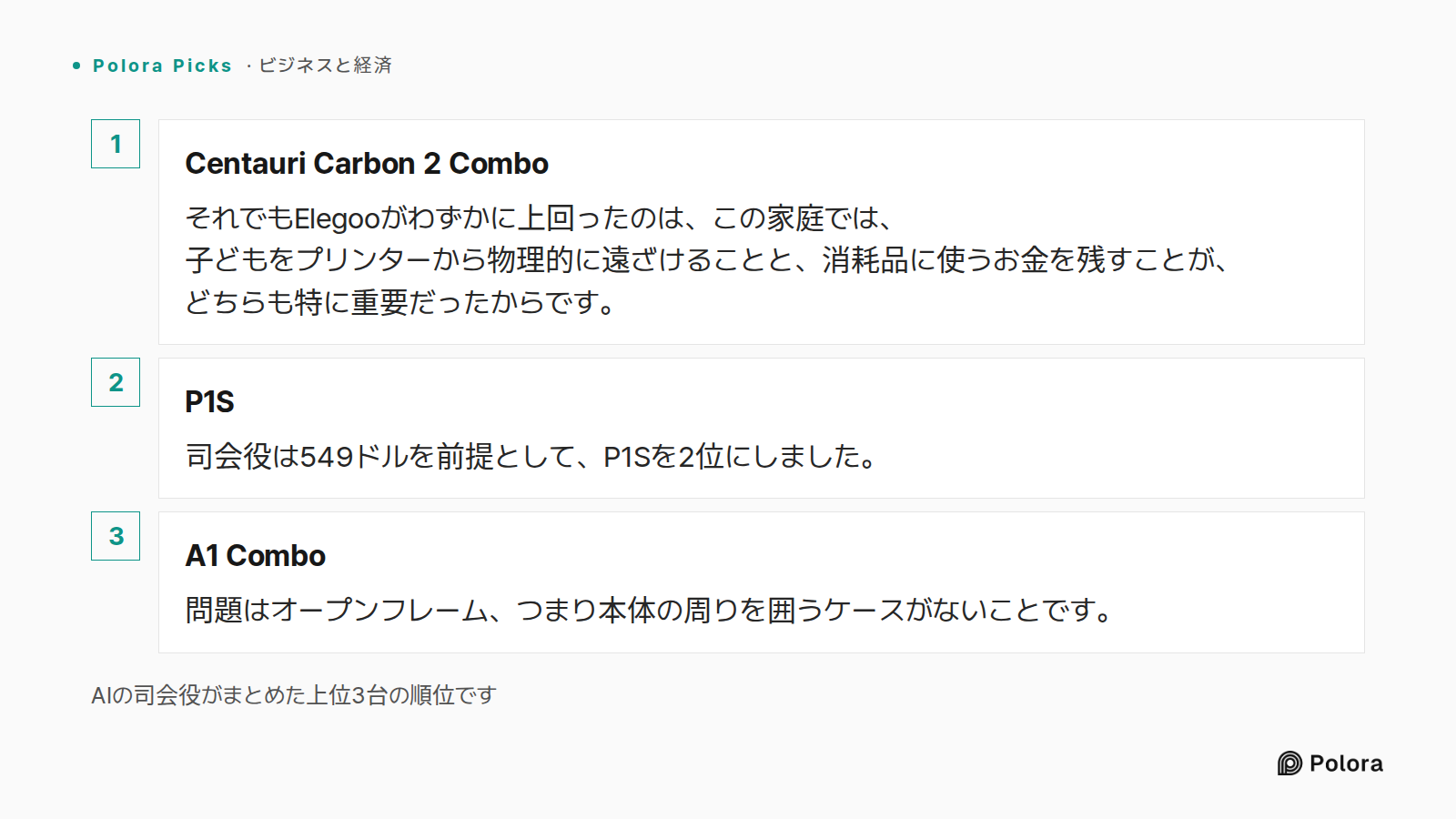
Buy the Elegoo Centauri Carbon 2 Combo if its US checkout price is still around $369–$449. It is not the safest bet for *proven long-term reliability*—it is too new for that claim—but its enclosed moving parts, usable build size, and room left in a roughly $600 budget for filament make it the best overall bet for this particular family. An enclosure is a touch barrier, not a guarantee of clean air.
I’m treating $600 as the approximate total starting budget, including some filament and tax, rather than permission to spend every dollar on the printer.
| Rank | Printer | Six-month judgment and price/availability check |
|---|---|---|
| 1 | Elegoo Centauri Carbon 2 Combo | The current successor to the original Centauri Carbon. An Elegoo US listing showed $369 on sale, versus $449 regular, with an add-to-cart option; the single-spool version showed $319. The enclosure and supply-budget cushion matter in a shared room. Its principal risk is a shorter repair and reliability track record than Bambu’s. |
| 2 | Bambu Lab P1S, standalone | The more established enclosed…