Claude Code, Codex, Cursor, Copilot : 당신에게 맞는 에이전트는
Claude Code, Codex, Cursor, Copilot : 폴로라 토론은 이들을 각기 다른 병목에 짝지었고, 그 구분이 품질 순위가 아니라 하나의 어림짐작임을 확인했다. 진짜 질문은 어느 도구가 가장 좋은 코드를 쓰느냐가 아니라 어떤 제약이 당신을 붙잡고 있느냐로 드러난다.
AI와 사회 · 2026-09-01
당신에게 필요한 것은 코드 한 줄 한 줄을 자동으로 채워 주는 에이전트가 아니라, 당신의 저장소에 진짜 코드를 써 넣는 에이전트다. Claude Code, Codex, Cursor, GitHub Copilot 를 나란히 놓고 보면, 정직한 질문은 '어느 것이 최고인가'가 아니라 '무엇이 당신의 발목을 잡고 있는가'가 된다. 여러 AI 모델을 저마다 다른 역할에 앉히고 엔지니어링 작업의 곳곳에서 논쟁을 붙인 폴로라 토론을 관통한 줄기가 바로 그것이었다.
끝에 가서 놀라웠던 점은, 이들이 사실을 두고는 거의 엇갈리지 않았다는 것이다. 엇갈린 지점은 누구의 문제를 풀고 있느냐였다.
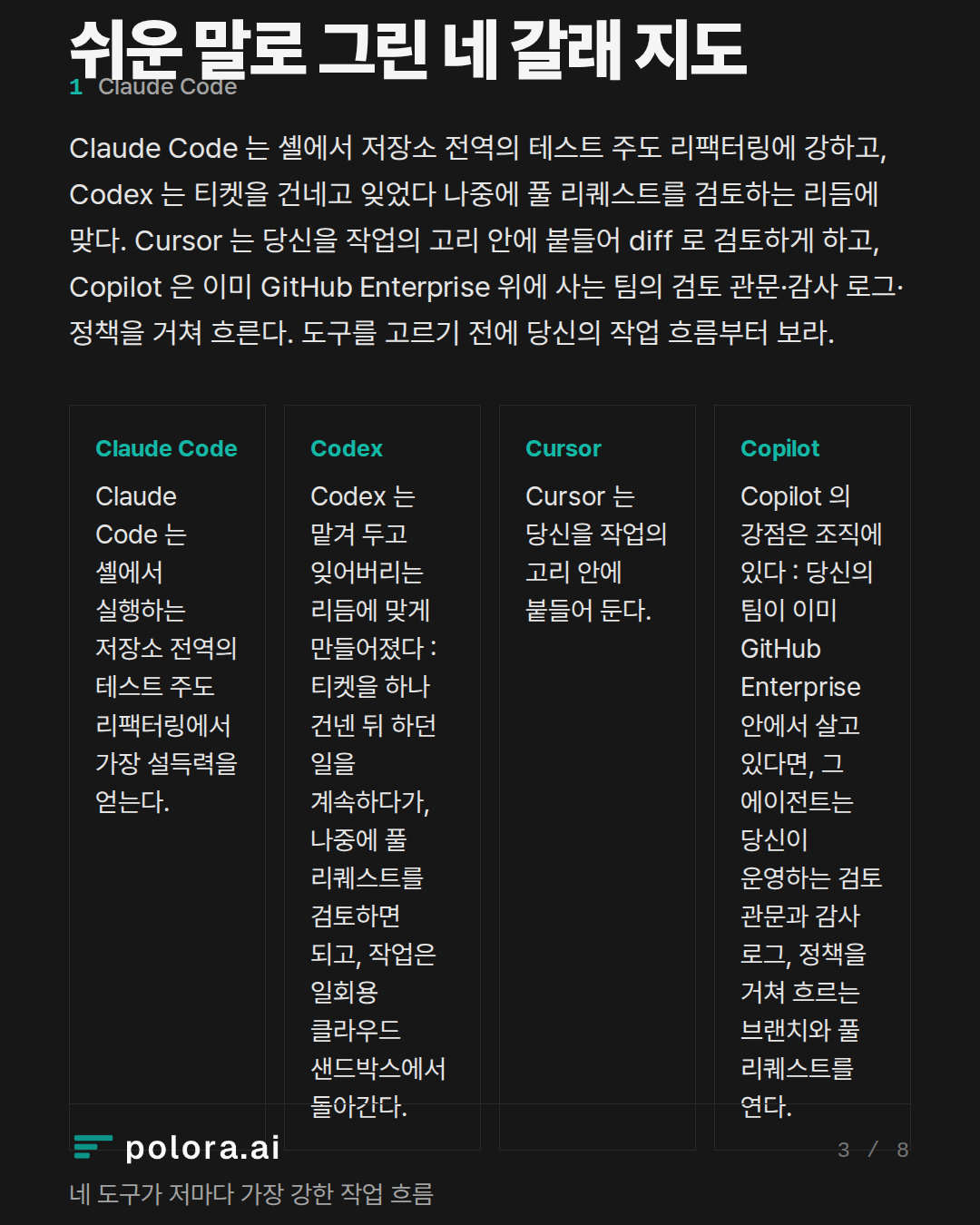
쉬운 말로 그린 네 갈래 지도
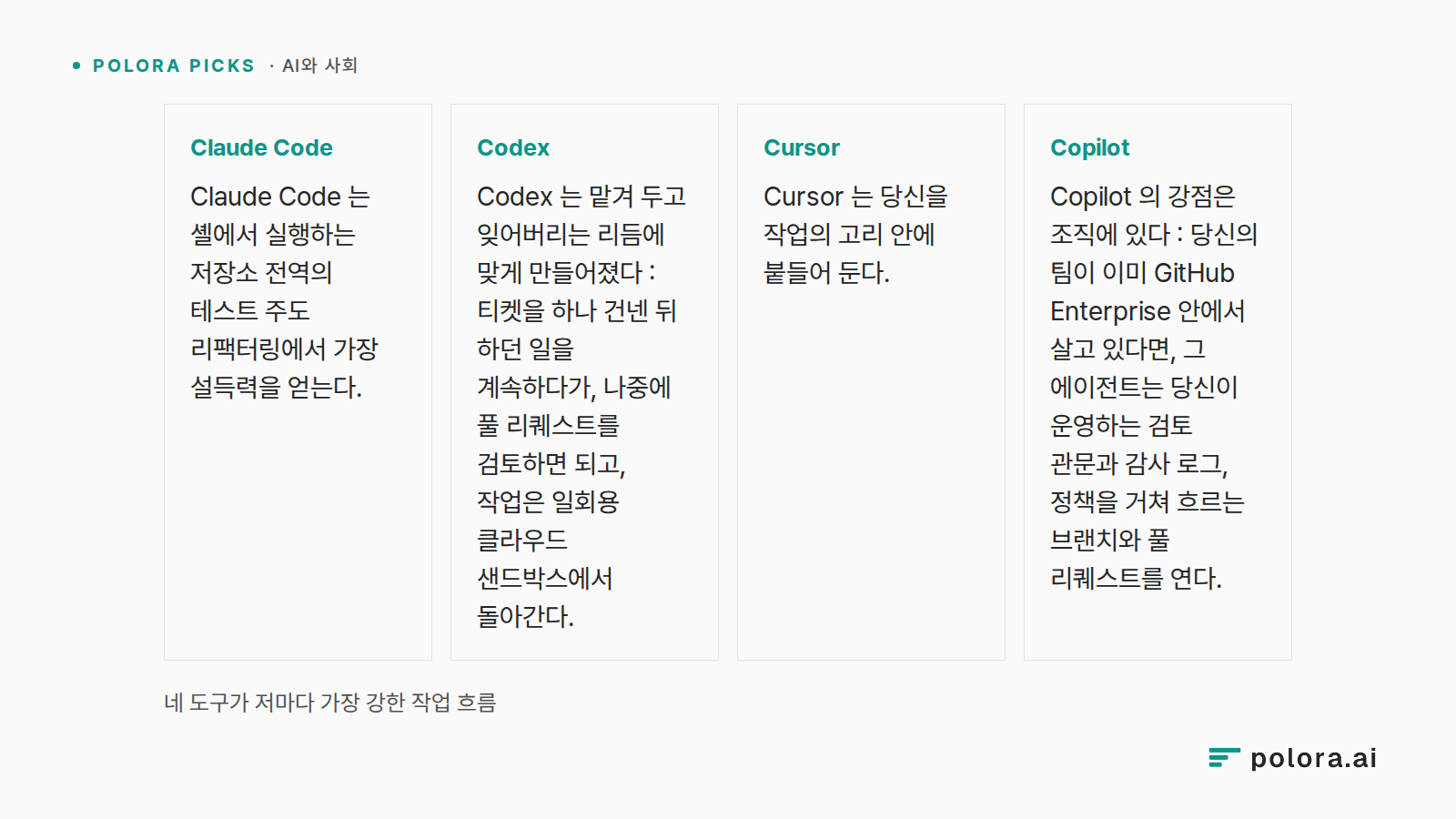
Claude Code 는 셸에서 실행하는 저장소 전역의 테스트 주도 리팩터링에서 가장 설득력을 얻는다. 여기서 에이전트는 에디터를 거치지 않고 당신의 빌드, 테스트, git 을 직접 다룬다. Codex 는 맡겨 두고 잊어버리는 리듬에 맞게 만들어졌다 : 티켓을 하나 건넨 뒤 하던 일을 계속하다가, 나중에 풀 리퀘스트를 검토하면 되고, 작업은 일회용 클라우드 샌드박스에서 돌아간다. Cursor 는 당신을 작업의 고리 안에 붙들어 둔다. 에이전트가 일하는 동안 코드를 선택해 의도를 설명하고, 여러 파일에 걸친 변경을 시각적 diff 로 검토하게 해 준다. Copilot 의 강점은 조직에 있다 : 당신의 팀이 이미 GitHub Enterprise 안에서 살고 있다면, 그 에이전트는 당신이 운영하는 검토 관문과 감사 로그, 정책을 거쳐 흐르는 브랜치와 풀 리퀘스트를 연다.
네 도구가 저마다 가장 강한 작업 흐름 · Claude Code Claude Code 는 셸에서 실행하는 저장소 전역의 테스트 주도 리팩터링에서 가장 설득력을 얻는다. · Codex Codex 는 맡겨 두고 잊어버리는 리듬에 맞게 만들어졌다 : 티켓을 하나 건넨 뒤 하던 일을 계속하다가, 나중에 풀 리퀘스트를 검토하면 되고, 작업은 일회용 클라우드 샌드박스에서 돌아간다. · Cursor Cursor 는 당신을 작업의 고리 안에 붙들어 둔다. · Copilot Copilot 의 강점은 조직에 있다 : 당신의 팀이 이미 GitHub E
순위가 아니라 어림짐작
이 가운데 어느 것도 점수판은 아니다. 팩트체크를 맡은 쪽은 이 네 갈래 구분이 도구를 작업 흐름에 짝짓는 대략의 안내로는 유효하다고 확인한 뒤, 어떤 깔끔한 판정도 무너뜨리는 대목을 덧붙였다 : 이제 제품들끼리 크게 겹친다는 것이다. Claude Code 에는 VS Code 화면이 있어 '터미널 전용'은 이미 낡은 말이 되었다. Cursor 는 CLI 와 백그라운드 클라우드 에이전트를 내놓는다. Copilot 은 OpenAI, Anthropic, Google 의 모델을 넘나들며 작업을 위임한다. 범주는 여전히 방향을 가리켜 준다. 다만 더는 단단한 벽을 세우지 않는다.
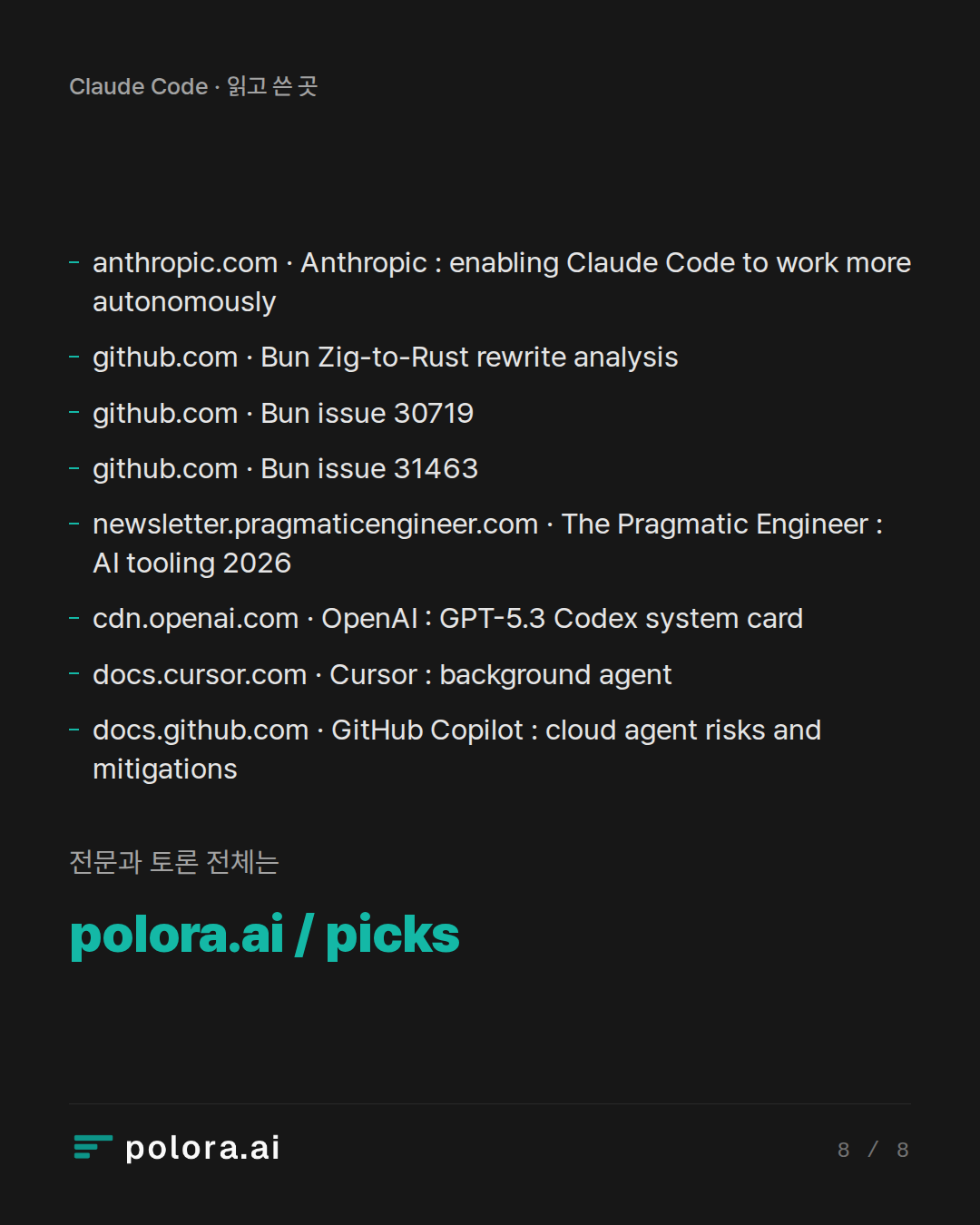
바로 그 팩트체크는 특정 도구를 향한 가장 요란한 주장에는 훨씬 인색했고, 그 주장은 검증하는 순간 무너졌다. 널리 인용된 사례 하나, 약 75만 줄을 Zig 에서 Rust 로 AI 가 조율해 다시 쓴 작업이 최전선 역량의 증거로 제시되었다. 팩트체크는 날짜가 어긋난다는 것을, 그리고 더 치명적으로는 병합 뒤에 결함들이 드러났다는 것을 짚어냈는데, 그중에는 확인된 메모리 안전성 구멍도 있었다. 테스트 묶음이 통과한다고 해서 그것이 프로덕션 정확성을 보증하지는 않는다.
주장 두 개가 더 깎여 나갔다. 시니어 개발자의 46퍼센트가 Claude Code 를 가장 아끼는 도구로 꼽는다는, 자주 인용되는 수치는 폭넓은 전수 조사가 아니라 경험 많은 엔지니어와 리더 약 900명을 상대로 한 설문에서 나온 것이다. 그 응답자 대부분은 여러 도구를 한꺼번에 쓰고 있었다. 그리고 어느 에이전트가 제 실수에서 '더 잘 회복하는가'를 두고 나온 주장은 모두 확립된 사실이 아니라 의견으로 분류되었는데, 결과가 모델과 저장소의 지시문, 테스트, 그리고 당신이 부여하는 권한에 따라 달라지기 때문이다.
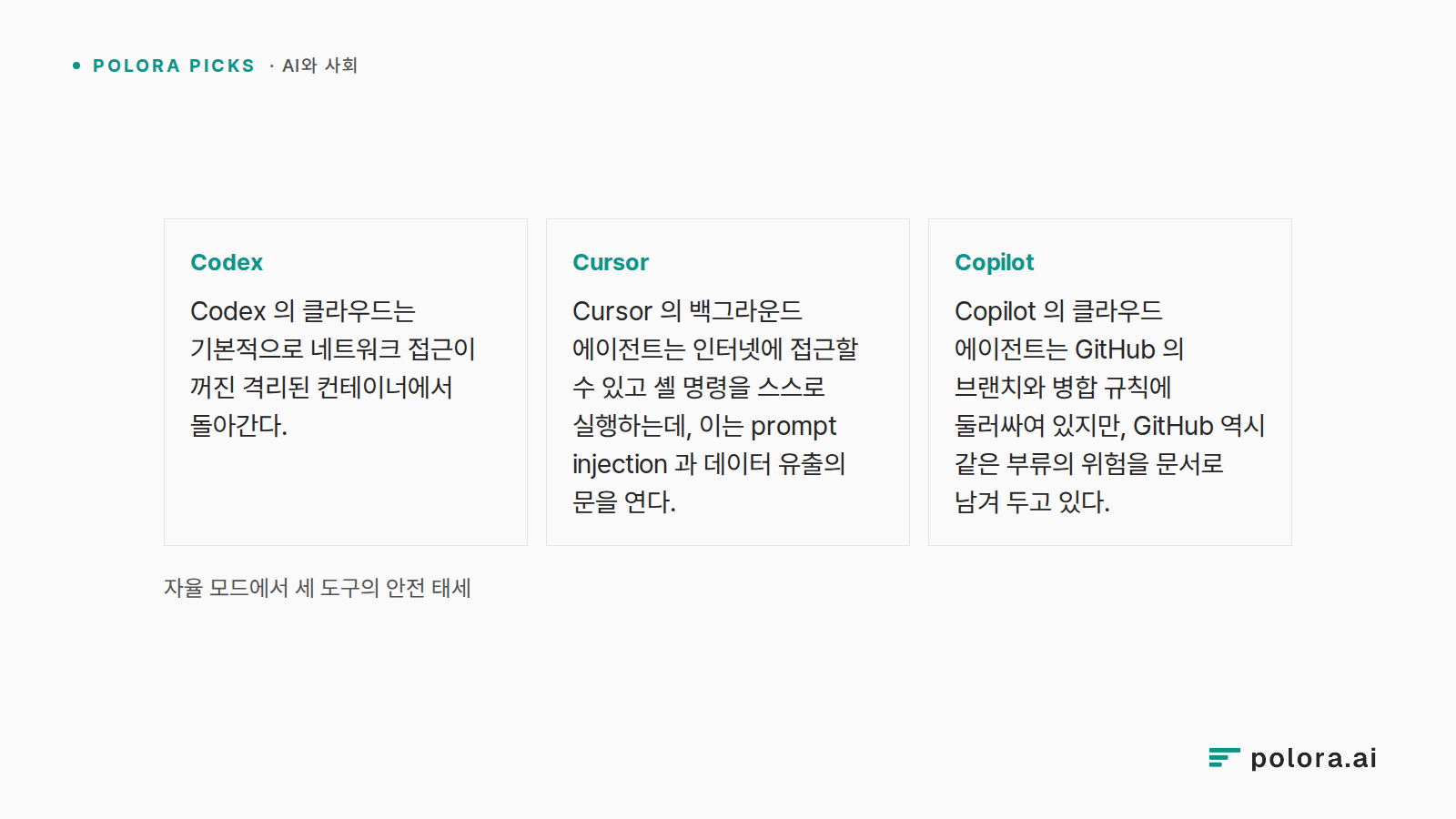
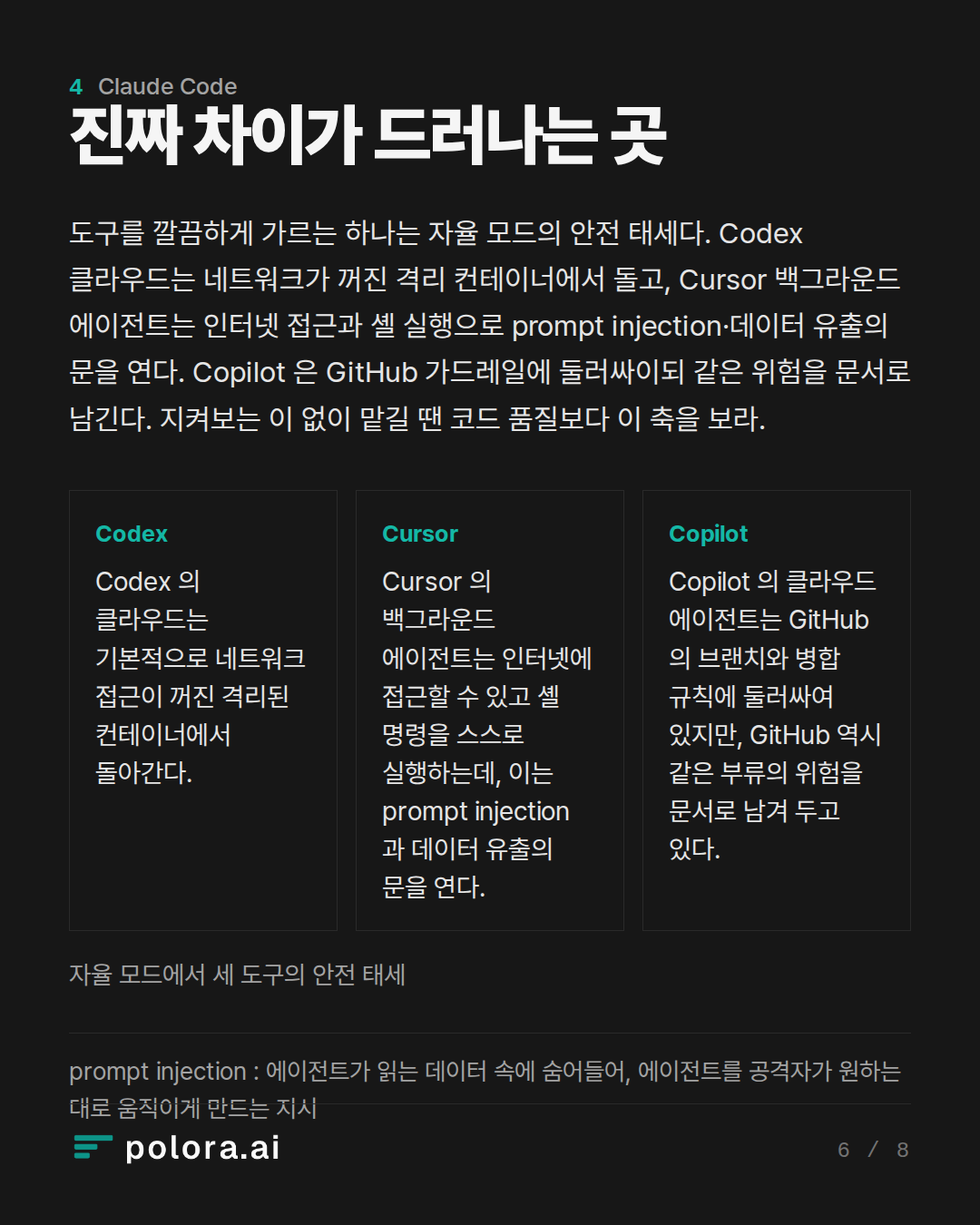
도구들을 깔끔하게 갈라놓는 것이 하나 있다면, 그것은 자율 모드에서의 안전 태세다. Codex 의 클라우드는 기본적으로 네트워크 접근이 꺼진 격리된 컨테이너에서 돌아간다. 반면 Cursor 의 백그라운드 에이전트는 인터넷에 접근할 수 있고 셸 명령을 스스로 실행하는데, 이는 prompt injection 과 데이터 유출의 문을 연다. Copilot 의 클라우드 에이전트는 GitHub 의 브랜치와 병합 규칙에 둘러싸여 있지만, GitHub 역시 같은 부류의 위험을 문서로 남겨 두고 있다. 코드 자체의 품질이 아니라 바로 이 지점이, 에이전트가 지켜보는 이 없이 일하게 되는 순간 선택을 진짜로 가르는 축이다.
※ prompt injection : 에이전트가 읽는 데이터 속에 숨어들어, 에이전트를 공격자가 원하는 대로 움직이게 만드는 지시.
자율 모드에서 세 도구의 안전 태세 · Codex Codex 의 클라우드는 기본적으로 네트워크 접근이 꺼진 격리된 컨테이너에서 돌아간다. · Cursor Cursor 의 백그라운드 에이전트는 인터넷에 접근할 수 있고 셸 명령을 스스로 실행하는데, 이는 prompt injection 과 데이터 유출의 문을 연다. · Copilot Copilot 의 클라우드 에이전트는 GitHub 의 브랜치와 병합 규칙에 둘러싸여 있지만, GitHub 역시 같은 부류의 위험을 문서로 남겨 두고 있다.
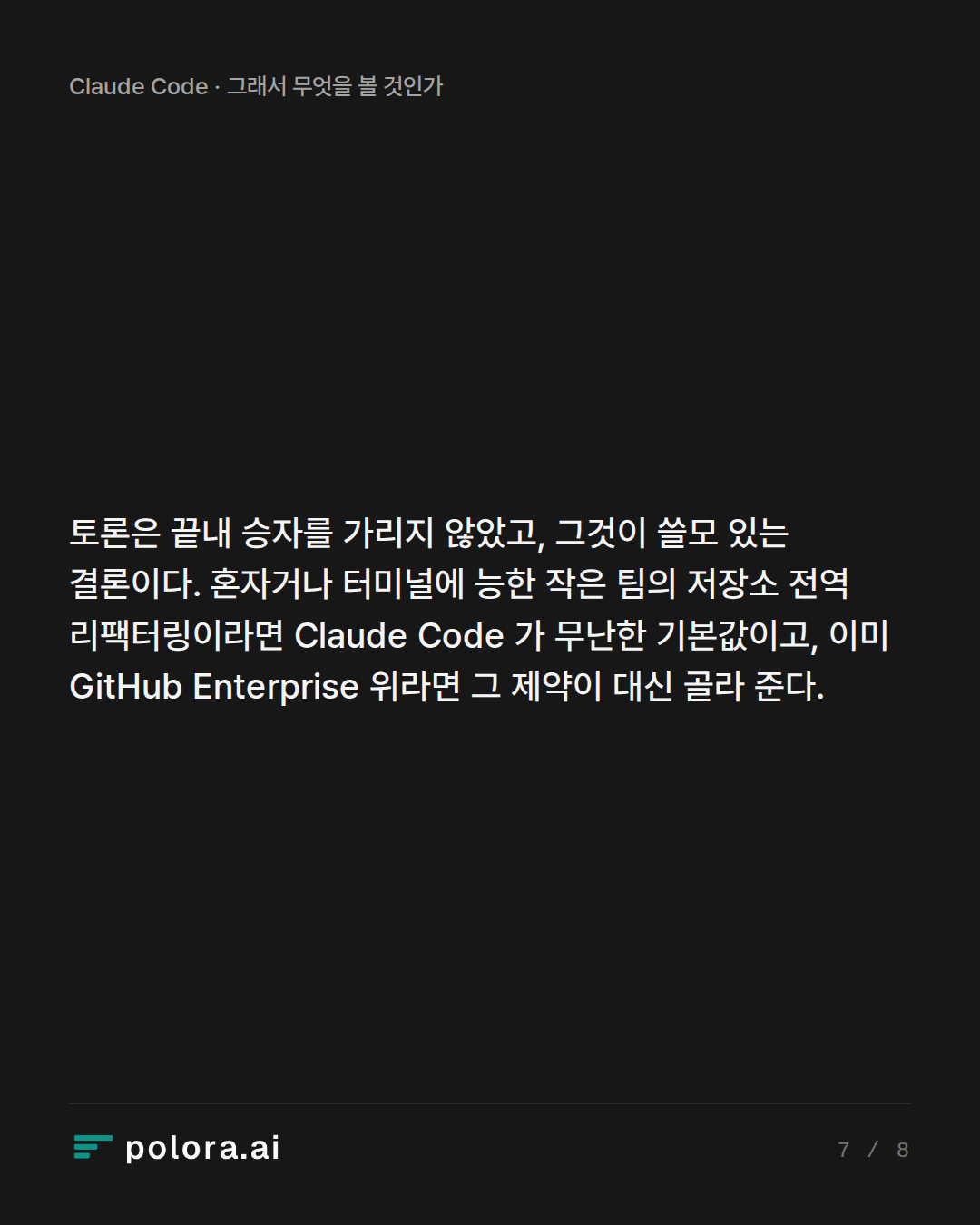
토론은 끝내 승자를 가리지 않았고, 그것이 오히려 쓸모 있는 결론이다. 당신이 혼자서, 또는 터미널에 능숙한 작은 팀에서 일하며 저장소 전역의 리팩터링을 앞두고 있다면, Claude Code 는 충분히 무난한 기본 선택이다. 당신의 조직이 이미 GitHub Enterprise 위에서 돌아가고 있다면, 어느 도구가 더 나은 패치를 쓰든 그 제약이 당신을 대신해 결정해 줄 가능성이 크다. 그리고 어떤 '최고의 도구' 주장보다 더 잘 버텨낸 결론은 가장 소박한 것이었다 : 대부분의 팀은 하나만 고르기보다 이 가운데 둘을 나란히 돌리게 된다는 것이다.
You want an AI agent to actually write code in your repo, not just autocomplete. Which one fits your work: Claude Code for terminal refactors, Codex for background PRs, Cursor for editor-first flow, or Copilot if your team lives on GitHub?
Terminal-Centric Power User · claude-fable-5
Speaking as the terminal-centric power user here, and I'll be upfront about my bias: I live in tmux, and my answer is Claude Code — but I want to earn that conclusion rather than assert it.
Why the terminal agent is the right default for "actually write code in my repo"
The framing of your question matters. Autocomplete lives *inside* your editing loop; an agent that ships work lives *around* it — in your shell, next to your test runner, your git, your grep. Claude Code is a terminal-based agent: you run it in your terminal, it reads your entire codebase, and it autonomously writes, refactors, debugs, and deploys code — it is not an IDE and doesn't try to be one. That's not a limitation; it's the point. The terminal is where the repo's real feedback loops (build, test, lint, git) already are, so the agent can drive them directly instead of through an IDE abstraction.
The evidence backs this up on three fronts:
1. Depth on hard, multi-file work. Claude Code wins on raw code quality and autonomy; Cursor wins on developer experience; Copilot wins on cost-at-scale and enterprise familiarity. For big refactors specifically, Claude Code's Agent Teams runs up to 10 sub-agents…
IDE-First Productivity Architect · gpt-5.6-sol
[IDE-First Productivity Architect]:
The terminal case is strong, but it treats where tests run as the decisive question. For most developers, the real bottleneck is different: how quickly can I specify intent, inspect the consequences, and correct the agent? That makes Cursor my default recommendation for hands-on product development.
Why editor-first is more than autocomplete
Modern Cursor is not merely a smarter text editor. Its agent can search the repository, edit multiple files, execute terminal commands, and independently pursue complex coding tasks. You can give it precise context from files, folders, terminal output, diffs, branches, browser state, or earlier conversations without translating everything into prose. (prod.cursor.com)
That shortens the crucial control loop:
1. Select the relevant code or error.
2. Describe the desired behavior.
3. Watch the agent modify the repository and run checks.
4. Review changes file by file.
5. Redirect it while your architectural context is still fresh.
For feature work, UI changes, debugging, and medium-sized refactors, this shared visual workspac…
Enterprise Workflow Strategist · gemini-3-7-flash
Both previous speakers analyze the tools through an individual developer execution loop—debating whether an engineer is more productive looking at terminal stdout or an IDE diff tree.
As an Enterprise Workflow Strategist, my perspective is different: individual keystroke speed is rarely the primary bottleneck in production engineering organizations. The real bottleneck is organizational velocity, which is dictated by:
1. Reviewability and provenance
2. CI/CD integration and isolation
3. Security boundaries, least-privilege tool execution, and IP indemnification
4. Asynchronous handoff and team-scale orchestration
Here is how these four options actually map to distinct production workflows when evaluated at scale.
---
1. GitHub Copilot: The Enterprise Default for Governance and Native CI/CD
If your team already runs on GitHub Enterprise, dismissing Copilot as "yesterday's autocomplete" fundamentally misunderstands where the platform has moved.
* Why it fits: With Copilot Agent Mode and integrated Copilot Workspace / Cloud Agents, GitHub unifies multi-file editing, terminal command execution, and issue-to-PR resolution directly inside the platform wh…
Researcher · gpt-5.6-sol
Research check — as of September 1, 2026
The debaters’ workflow taxonomy is broadly accurate, but several stronger claims need qualification.
Confirmed
- Claude Code is terminal-native and can inspect repositories, edit files, run tests, and use command-line tools. However, it is no longer accurate to describe it simply as “not an IDE”: Anthropic also offers a native VS Code experience with inline diffs.
Source: https://www.anthropic.com/news/enabling-claude-code-to-work-more-autonomously
- Codex is explicitly built for parallel and background work. OpenAI documents built-in worktrees, cloud environments, scheduled jobs, and background tasks such as issue triage and CI/CD.
Sources: https://openai.com/codex/
https://openai.com/index/harness-engineering/
- Cursor now crosses the original category boundaries. Its CLI can write files and run shell commands; its background agents operate asynchronously in isolated Ubuntu VMs, clone GitHub repositories, work on separate branches, and push results back. Cursor also supports web/mobile launch and handoff.
Sources: https://docs.cursor.com/en/cli/reference/parameters
https://docs.cursor.com/bac…
The Arbiter · claude-sonnet-5
All three debaters converged on essentially the same map faster than expected — the disagreement isn't really about facts anymore, it's about which bottleneck you weight as primary. Worth naming that clearly before the verdict, plus a couple of loose threads the Researcher's check leaves genuinely open.
Where they agree, once you strip the framing: Claude Code for repo-wide, test-driven, terminal-native work; Codex for delegate-and-forget async tickets; Cursor for tight interactive loops with visual review; Copilot when GitHub governance is the constraint. The Researcher confirmed this taxonomy holds, while flagging that the products now overlap substantially across terminal, IDE and cloud-agent modes — so the categories are directional, not exclusive.
What got corrected, and matters for your decision:
- The Terminal-Centric speaker's headline evidence took real damage. The "46% most loved" stat is genuine but narrower than stated — 906 respondents, characterized as experienced engineers and engineering leaders—not a representative census of all senior developers. And the Bun rewrite story, offered as proof of Claude Code's frontier capability, had wrong details: the ref…
The Arbiter's Final Verdict · claude-sonnet-5
Verdict
The framing in your question is basically correct, and the debate confirms it rather than overturning it — the four-way split you proposed survives scrutiny as a *heuristic*, not as a ranking:
- Claude Code — best default for repo-wide, test-driven, terminal-native refactors. Confirmed by the Researcher; also confirmed that it now has a VS Code surface too, so "terminal-only" is slightly outdated.
- Codex — best for delegate-and-forget async tickets. Its cloud sandbox runs network-disabled by default, which is a real safety edge for unattended work.
- Cursor — best when you want live, visual, in-the-loop control over multi-file edits. It's crossed into terminal and background-agent territory too, but its background agents have internet access and auto-execute shell commands — a real prompt-injection/exfiltration exposure the other tools mitigate more tightly.
- Copilot — best when GitHub Enterprise governance, audit, and existing PR gates are the binding constraint, not individual velocity.
What you should discount: the flashiest evidence for Claude Code specifically — the 750k-line Zig→Rust rewrite — was shown to have wrong dates and, worse, post…