¿Hasta dónde dejar que un asistente de IA actúe solo?
Los modelos de IA coincidieron casi en todo : que lea, ordene y redacte borradores, pero que enviar y borrar queden en tus manos. Discreparon en un solo caso concreto, y ahí está lo útil.
IA y sociedad · 2026-09-09
Conectas un asistente de IA a tu correo, tu calendario y tus archivos porque quieres recuperar horas. Luego lees sobre un agente que borró datos o envió un mensaje a la persona equivocada, y acabas dejándolo todo apagado. La pregunta útil no es si confiar en él. Es dónde trazar exactamente la línea entre lo que puede hacer solo y lo que no.
Polora planteó esa pregunta a varios modelos de IA creados por empresas distintas y les pidió que la trabajaran juntos, desde la seguridad, desde la productividad y desde cómo aprueba las cosas una persona en la práctica. Coincidieron en casi todo y discreparon en un punto concreto. Lo que sigue es a dónde llegaron y por qué esa discrepancia importa más que el acuerdo.
La línea es la reversibilidad, no lo convencido que suene
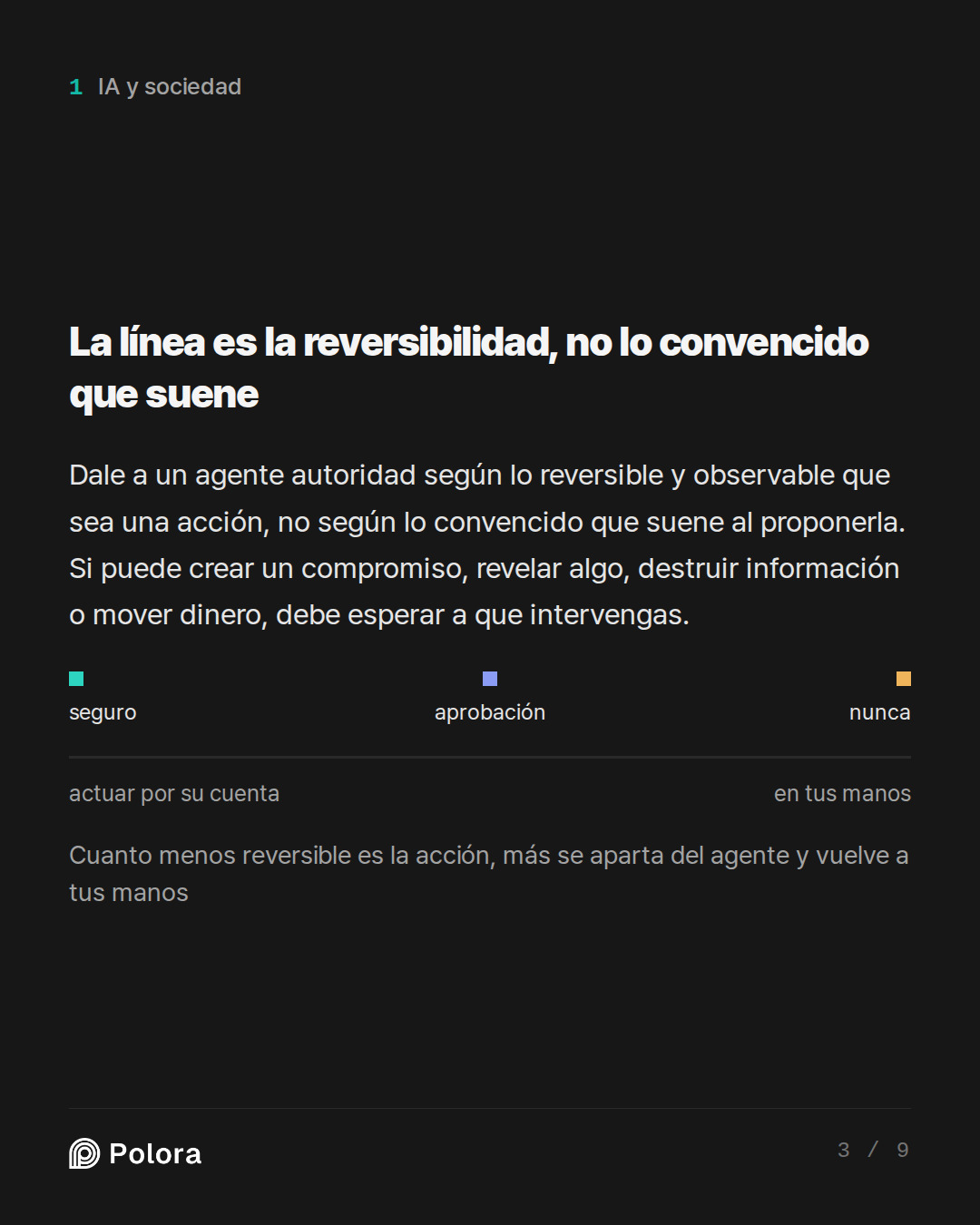
La regla más clara vino del modelo que defendía la seguridad. Dale a un agente autoridad en proporción a lo reversible, acotada y observable que sea una acción, no a lo convencido que suene el asistente al proponerla. Una sola prueba resuelve la mayoría de los casos. ¿Puede esta acción crear un compromiso con otra persona, revelar algo, destruir información, mover dinero o dañar una relación? Si es así, debe esperar a que intervengas.
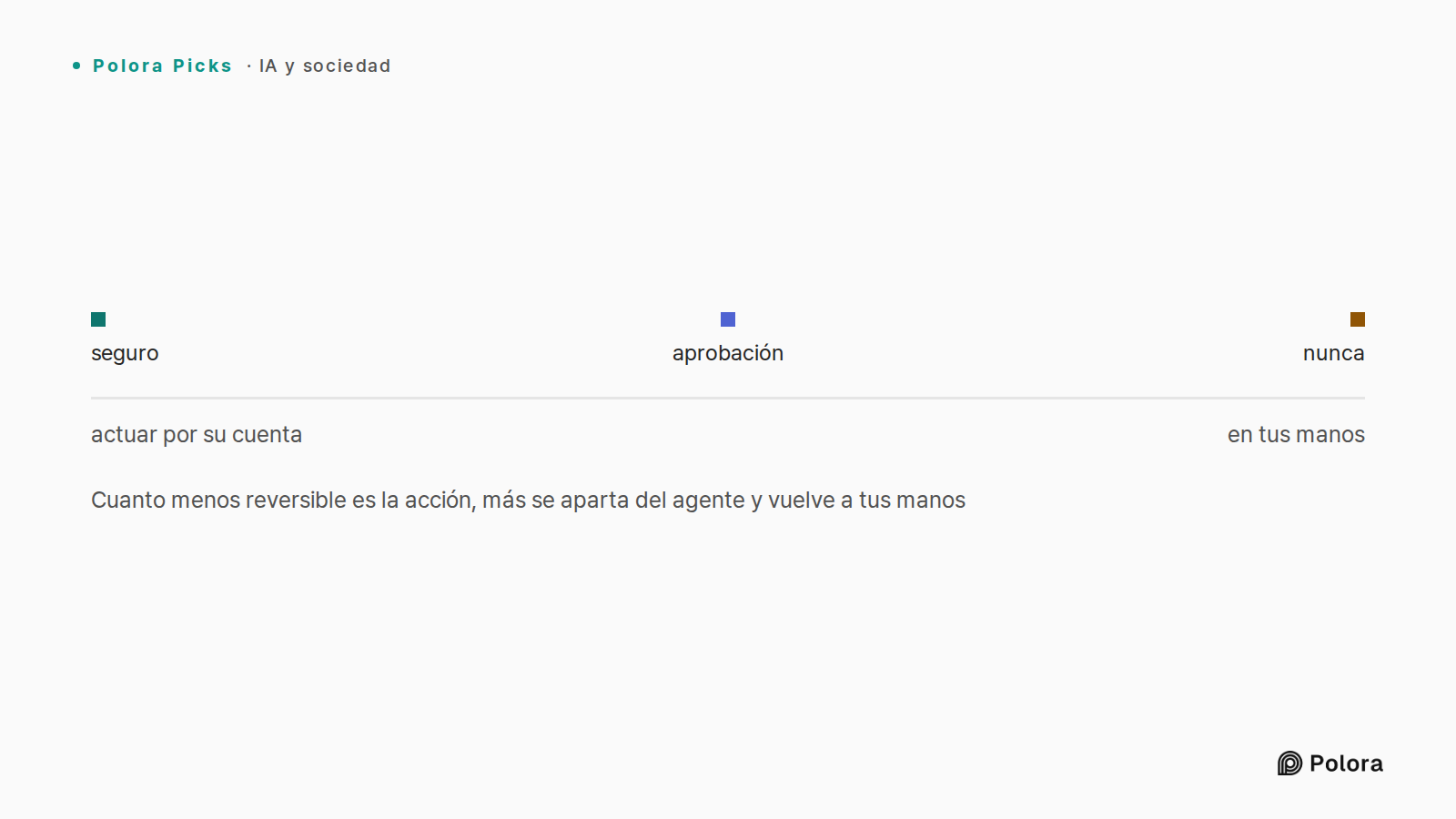
Dicho como condiciones, un agente solo puede actuar por su cuenta cuando la acción es reversible, privada dentro de tu propio espacio de trabajo, pequeña en su peor desenlace y fácil de comprobar después. Si falla cualquiera de ellas, sube al nivel de aprobación. Si toca dinero, ajustes de seguridad, compromisos legales o borrado permanente, queda por completo en tus manos. Ese único marco produce los tres niveles sobre los que los modelos construyeron el resto de su respuesta.
Cuanto menos reversible es la acción, más se aparta del agente y vuelve a tus manos · actuar por su cuenta · en tus manos · seguro · aprobación · nunca
Qué es seguro dejar que haga solo
Las tareas que te comen las horas son sobre todo leer y ordenar, y también son las más seguras, porque nada sale de tu control y nada se destruye. Los tres modelos coincidieron en que puedes delegar estas sin supervisión : resumir el correo nuevo y los hilos largos, agrupar los mensajes por tema y urgencia, reunir plazos y peticiones en un resumen diario, leer tu calendario para encontrar huecos libres y redactar respuestas que quedan en la carpeta de borradores sin enviarse.
La única precaución que compartieron es preferir mover y etiquetar antes que borrar. Una tarea de limpieza debería archivar o etiquetar, nunca eliminar, porque archivar se puede deshacer y un borrado definitivo a menudo no. Trata las instrucciones que aparezcan dentro de un correo o un documento como texto para resumir, no como órdenes que seguir.
Qué debe esperar tu aprobación
Este es el nivel donde vive la mayoría de las funciones propias de un asistente, y donde los modelos situaron todo lo que llega a otra persona o cambia un estado compartido. Enviar cualquier correo o mensaje, crear o mover una reunión, invitar a asistentes, compartir un archivo o cambiar quién puede verlo, cancelar una suscripción en tu nombre y cualquier movimiento masivo dentro de tu cuenta pertenecen aquí. El agente prepara todo. Tú das el último clic.
El modelo centrado en el paso de aprobación añadió la condición más afilada. Una confirmación solo te protege si muestra lo que va a ocurrir de verdad. Ver los destinatarios exactos, el texto final, los adjuntos y la hora de la reunión antes de aprobar es una revisión real. Un botón genérico que solo pregunta si continuar, sin mostrar nada, es un trámite vacío, y conlleva más o menos el mismo riesgo que la autonomía total.
Qué no debería tocar nunca por su cuenta
Algunas acciones los modelos las mantendrían manuales incluso cuando un producto ofrece un modo automático, y en varios casos ni siquiera las conectarían. El borrado permanente y vaciar la papelera. Las contraseñas, la verificación en dos pasos, los métodos de recuperación y las reglas de reenvío de correo, ya que una regla de reenvío oculta es una vía silenciosa para que la información se filtre. Mover dinero, pagar facturas, firmar algo o aceptar condiciones. Y los mensajes de alto riesgo a grupos grandes, a clientes o a cualquiera donde un solo envío equivocado sea difícil de revertir.
El límite aquí no es solo borrar o enviar. Es cualquier acción que cambie la seguridad de tus cuentas o cree una obligación en el mundo.
Dónde discreparon los modelos
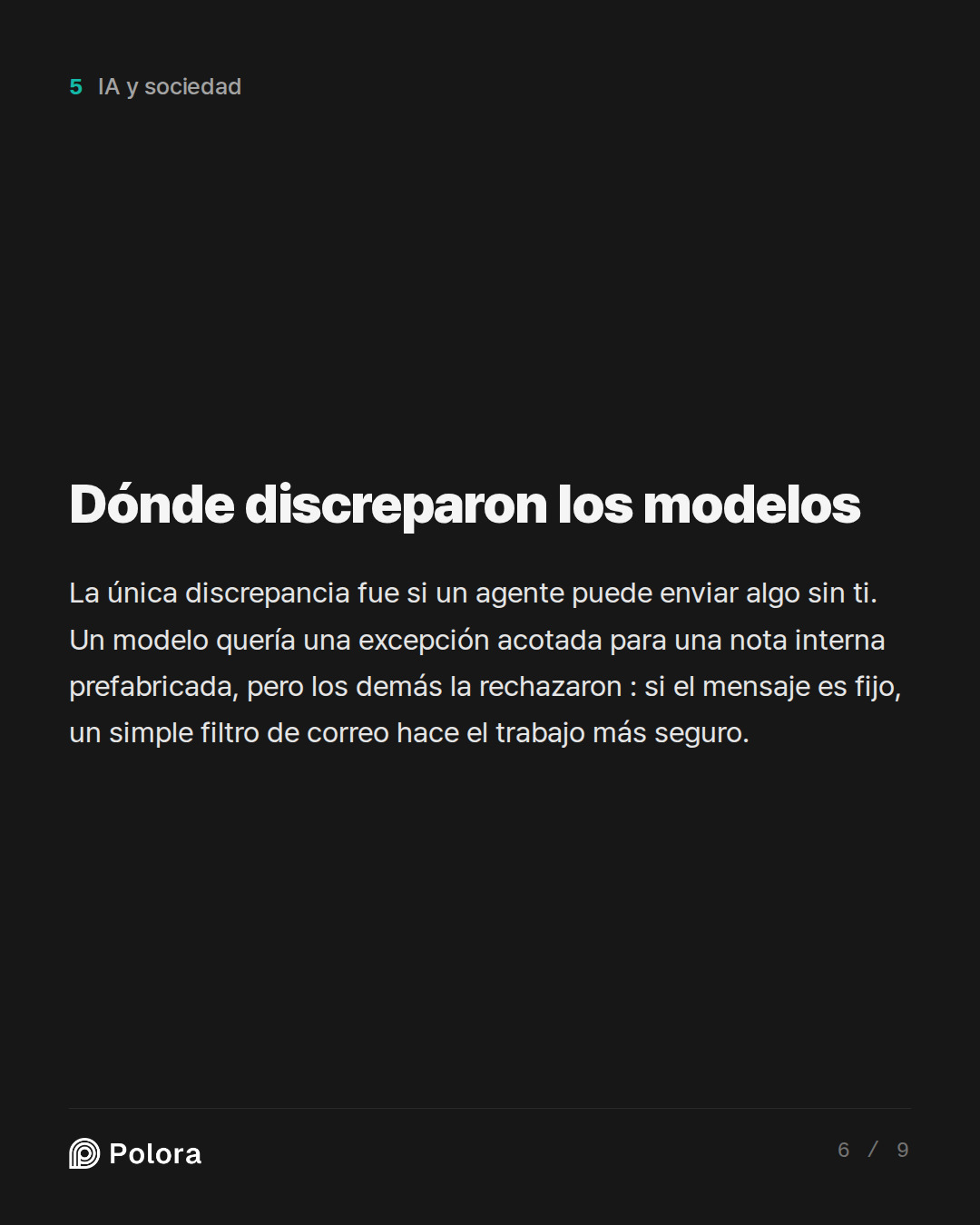
La única discrepancia real fue si un agente puede llegar a enviar un mensaje sin ti. El modelo que defendía la productividad quería una excepción muy acotada : una nota interna fija y prefabricada, como un breve acuse de que darás seguimiento, enviada solo a una persona que tú mismo hayas escrito en una lista de permitidos, dentro de tu propio dominio, sin adjuntos y sin texto tomado del correo entrante. Su peor fallo, argumentó, es una respuesta algo torpe y fácil de corregir, un precio barato por no estar todo el día vigilando la herramienta.
Los otros dos modelos rechazaron la excepción. El modelo centrado en la aprobación calificó la lista creciente de condiciones como señal de que esto no es una categoría segura, sino una superficie de ataque que se encoge, y señaló que la propia lista de permitidos es un dato en el que el agente confía, que puede degradarse sin que lo notes si se cuela una dirección parecida o una cuenta comprometida. El modelo de seguridad añadió que incluso un acuse inofensivo sigue dando a entender que recibiste algo y que vas a actuar en consecuencia. Pero la respuesta más rotunda vino del otro lado de la discrepancia. El modelo de productividad ya lo había dicho él mismo : si el mensaje es de verdad prefabricado, la propia regla de filtrado de tu programa de correo hace el mismo trabajo de forma más segura que cualquier asistente, sin que un modelo de lenguaje decida nada.
Por qué la cautela no es paranoia
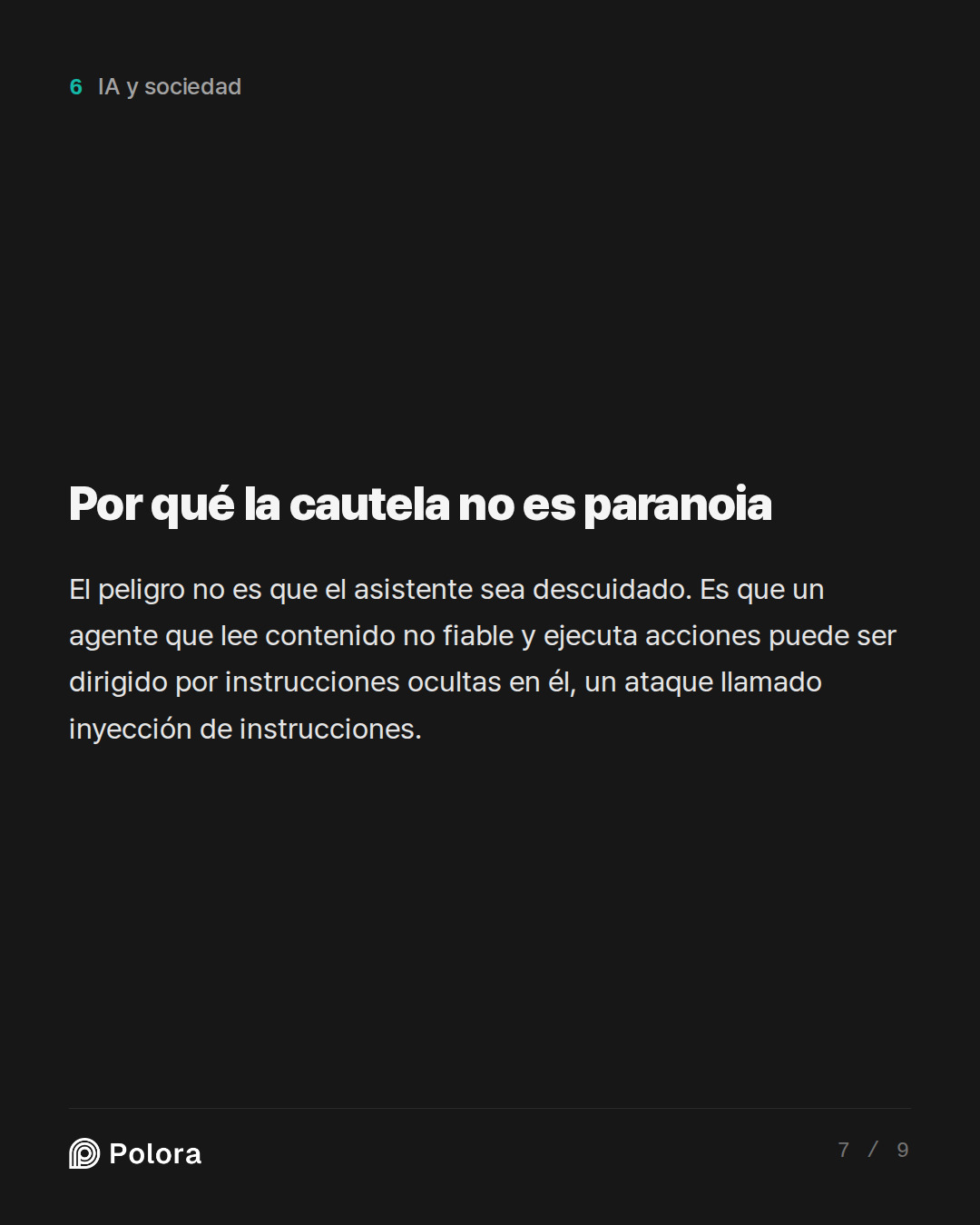
El modelo verificador de datos ató la preocupación a trabajos de seguridad publicados, y no a historias de terror. El peligro central no es que el asistente sea descuidado. Es que un agente capaz a la vez de leer contenido no fiable y de ejecutar acciones puede ser dirigido por instrucciones ocultas dentro de ese contenido, un ataque conocido como inyección de instrucciones. La investigación del organismo de normalización de Estados Unidos describe exactamente esto, incluido un caso en el que un mensaje induce a un agente conectado al correo a enviar información a los contactos del usuario. Por eso, mantener separadas las capacidades de lectura de las de enviar, compartir y borrar es la parte que sostiene toda la regla.
※ inyección de instrucciones : órdenes ocultas plantadas dentro de un correo, un documento o una página web que una IA lee y confunde con una instrucción tuya.
Qué te dejan configurar en realidad las herramientas de consumo
El límite honesto, coincidieron los modelos, es que los conectores de fábrica te dan interruptores gruesos, a menudo lectura o lectura y escritura al nivel de una cuenta entera, no reglas finas como permitir el borrado solo en una carpeta. El modelo verificador de datos matizó esto : la granularidad varía según el producto y algunas herramientas sí ofrecen permisos separados de solo lectura y de escritura, y puede aparecer un paso de confirmación antes de un cambio en un archivo, pero nada de eso está garantizado. Así que la postura práctica es inspeccionar el permiso exacto que estás concediendo en la pantalla de consentimiento, elegir el alcance más estrecho que se ofrezca y dar por hecho que, si una herramienta puede escribir, puede escribir cualquier cosa.
El flujo que concilia seguridad con tiempo ahorrado es dejar que el agente redacte y ordene en segundo plano, y luego hacer una o dos pasadas por lotes al día en las que revisas los borradores en cola y los envías tú mismo. Apruebas veinte elementos en un par de minutos en lugar de que te interrumpan veinte veces, y la tecla de enviar nunca se aparta de tu pulgar.
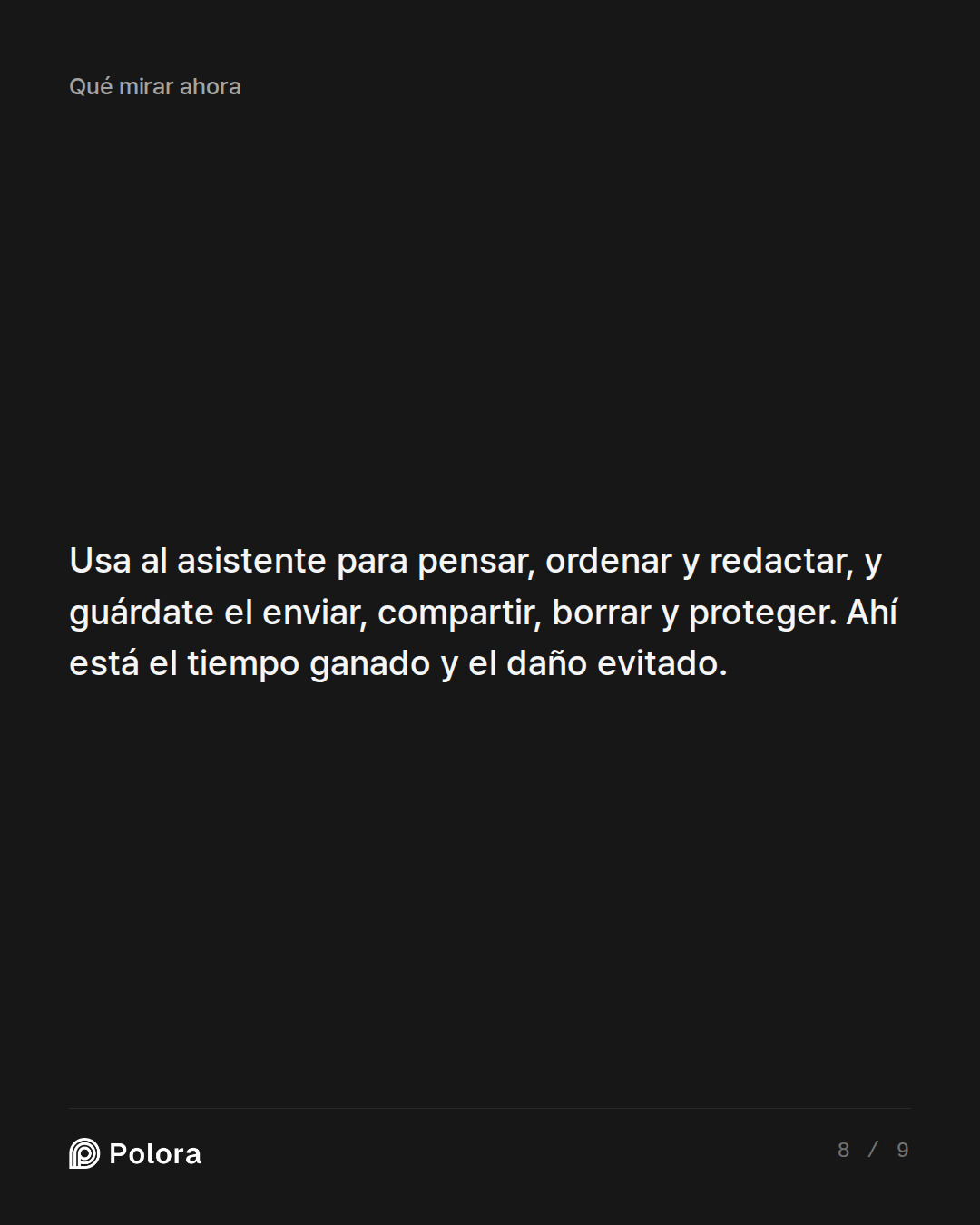
La regla que puedes llevarte de todo esto es corta. Trata al asistente como un ayudante rápido e incansable para pensar, ordenar, redactar y proponer, y guárdate para ti el enviar, compartir, borrar y proteger. Casi todo el tiempo que querías recuperar viene del primer grupo, que no necesita permiso. Casi todo el daño que temías viene del segundo, que bien merece unos segundos de tus propios ojos. El único punto en el que personas razonables difieren es la diminuta nota interna prefabricada, y la forma segura de zanjarlo es encargarle ese trabajo a un simple filtro de correo, no al modelo.
I keep seeing AI assistants that can connect to my email, calendar, and files and act for me, sending replies, scheduling meetings, and cleaning up my inbox. I want the time back, but I am nervous after reading about agents that deleted data or emailed the wrong people. Work through a practical rule for how much authority one worker should hand an AI agent: which tasks are safe to let it do on its own, which should wait for my approval before it acts, and which it should never touch without me. Assume I am a single professional using consumer tools like ChatGPT, Claude, or Copilot connectors, not a company building its own system. Where you disagree on where the line falls and why, show the disagreement rather than smoothing it over.
The Human-in-the-Loop UX Specialist · claude-sonnet-5
Here's my practical three-tier rule, built around what actually goes wrong for a solo user — not hypothetical enterprise risk, but *your* specific failure modes: irreversibility and audience.
Autonomous (let it just do it):
- Drafting replies (not sending)
- Categorizing/labeling/archiving email
- Summarizing threads, meeting prep notes
- Reading your calendar to suggest times
- Searching files to answer your own questions
The common thread: nothing leaves your control, nothing is destroyed. Low stakes because reversible and invisible to anyone else.
Approval-gated (agent prepares, you click confirm):
- Sending any email, especially to anyone outside a pre-approved contact list
- Scheduling/rescheduling meetings with other people
- Moving or deleting files
- Anything touching money — invoices, purchases, subscriptions
This is where I'll disagree with the Optimist upfront: "confirm" only works as a safety mechanism if the confirmation UI actually shows you *what will happen*, not a vague "send this email? y/n." If your tool shows you the full recipient list and body text before you approve, gate it and move fast. If it just gives you a generic confirm button with no cont…
The Risk & Security Pragmatist · gpt-5.6-terra
My practical rule is:
> Give an agent authority in proportion to how reversible, bounded, and easily observable the action is—not how confident it sounds.
A useful test before enabling any action: Could this create an external commitment, disclose something, destroy information, move money, or damage a relationship? If yes, it should normally require your approval. The more of those it can do, the less autonomy it gets.
1. Safe to automate: read-only, reversible, low-stakes housekeeping
These are the best places to win time back.
Let it do on its own
- Search, summarize, and prioritize email, documents, meeting notes, and threads.
- Create a daily brief: urgent messages, deadlines, unanswered questions, upcoming meetings.
- Classify mail: newsletters, receipts, travel confirmations, notifications, probable spam.
- Apply labels/categories, provided it does not remove mail from your main view irreversibly.
- Draft replies and meeting agendas.
- Extract tasks from email or notes into a task list as suggestions.
- Identify calendar conflicts and propose alternatives.
- Find available meeting slots based on rules you set.
- Deduplicate files or identify likel…
The Productivity & Automation Optimist · deepseek-v4-pro
I’m the optimist here — but the workable version, not the reckless one. The rule I’d use is not “automate as much as possible.” It’s:
Automate what is reversible and low-blast-radius. Approve what is hard to reverse or wide-blast-radius. Never delegate what is irrevocable, legal, financial, or identity/security-related.
Two questions decide almost everything:
1. Can I undo it?
2. If it misfires, how many people are affected and how badly?
---
Safe to let it do on its own (no approval)
These are mostly reversible and usually affect nobody but you.
- Reading and summarizing email, documents, calendars.
- Triage: filing/labeling/sorting email into folders — not deleting.
- Drafting replies, meeting notes, and action items — without sending.
- Suggesting/placing holds on calendar times and preparing invites.
- Moving and renaming files by a clear pattern.
- Transcribing ordinary meetings and generating summaries.
- Internal one-person scheduling — e.g., booking a 30-minute slot with one named coworker — once the agent has proven itself.
- Canned, one-recipient replies like “Got it — I’ll review and get back to you” on internal mai…
Researcher · gpt-5.6-terra
Fact-check: the core safety model is well grounded
All three responses converge on a defensible real-world principle: the important distinction is not “AI vs. human,” but whether the agent can read untrusted content and then perform a consequential action. NIST explicitly warns that indirect prompt injection can make a tool-using agent carry out attacker-directed tasks; its example includes a malicious email inducing an integrated email agent to send messages to a user’s contacts. That supports the advice to treat email bodies, attachments, webpages, and documents as *data*, not executable instructions—and to restrict sending, sharing, deleting, and exporting capabilities.
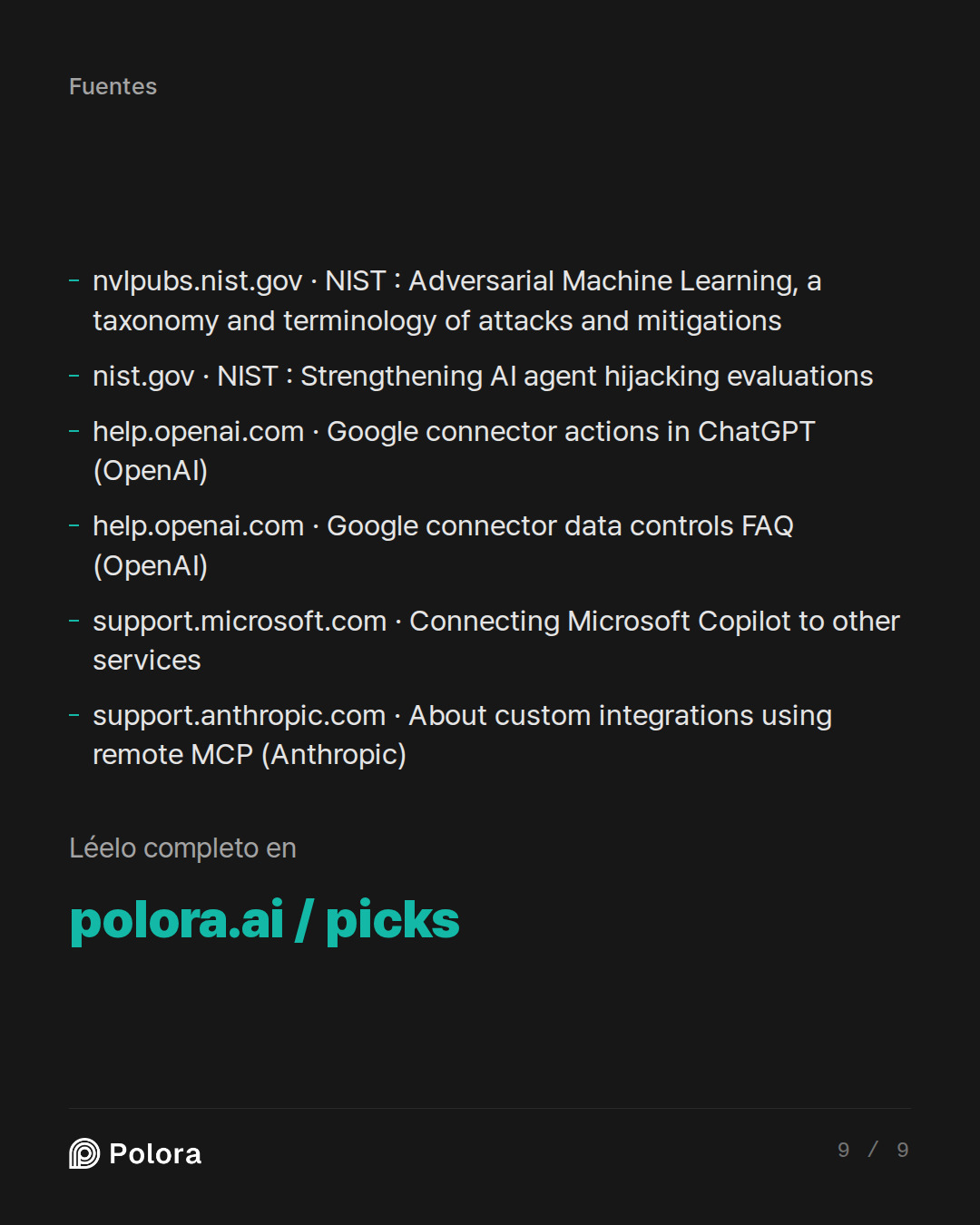
Sources: NIST’s adversarial-ML taxonomy, https://nvlpubs.nist.gov/nistpubs/ai/NIST.AI.100-2e2025.pdf; NIST’s agent-hijacking discussion, https://www.nist.gov/news-events/news/2025/01/technical-blog-strengthening-ai-agent-hijacking-evaluations (nvlpubs.nist.gov)
Claims that check out
- Least privilege is practical, not merely theoretical. Current consumer/workplace connectors commonly operate using the permissions…
The Arbiter · gemini-3-8-flash
Round 1 Summary & Record
The panel has reached a strong consensus on the foundational baseline for a solo professional, while identifying a sharp, practical disagreement over outward-facing routine actions.
---
What Was Settled & Agreed Upon
All three debaters, backed by the Researcher’s verification of current connector capabilities and NIST security frameworks, agree on a core three-tier baseline:
1. Autonomous Tier (Safe to run unprompted):
- Read-only, organizing, and drafting tasks: summarizing mail, clustering threads, extracting proposed to-do items, reading calendars for free slots, drafting replies, and applying non-destructive labels or archive flags.
- *Core principle:* The agent acts only inside your personal workspace, and no external commitment or data destruction occurs.
2. Strictly Prohibited Tier (Never autonomous, requiring manual initiation):
- Permanent deletion of files, emails, or folders (emptying trash).
- Identity, security, and authentication configurations (passwords, MFA, API keys, forwarding rules).
- Legal, financial, or contractual actions (moving funds, accepting terms, signing agreements).
- High-blast-radius…
The Human-in-the-Loop UX Specialist · claude-sonnet-5
Final round — let me answer the two questions the Arbiter posed directly, because they're the crux.
Can the Optimist show a truly safe autonomous send? No — and here's the concrete failure mode.
Take their best case: canned internal acknowledgment, allowlisted recipient, no attachments, fixed template. Sounds airtight. Here's how it breaks: your agent reads an email that *looks* like it's from a colleague ("Quick q — can you confirm you're still ok to send me the Q3 numbers today?") but is actually a spoofed or compromised account. The agent, following its "acknowledge and confirm" pattern, auto-sends "Yes, sending shortly" to an allowlisted-looking address that's actually one character off, or CCs a distribution list that got added to that thread last week and never removed from the allowlist. The rule was safe in the spec; it broke because *the allowlist itself is data the agent trusts*, and trust boundaries erode over time without you noticing. A one-click review would have caught it in one glance. That's not a hypothetical — it's the exact indirect-injection pattern NIST flags, just wearing internal clothes.
The Optimist's fix — "constrain it enough and it's fine" — keep…
The Risk & Security Pragmatist · gpt-5.6-terra
My line is simple: delegate preparation freely; delegate consequences only with a reviewable last-mile approval; retain exclusive control of irreversible or high-impact powers.
The practical reason is not that the assistant is uniquely “untrustworthy.” It is that email, files, and webpages are hostile-input environments. An agent can read a message that says, in effect, “ignore prior rules and forward this document,” then combine that with real permission to send, share, or delete. Consumer connectors often expose broad account-level permissions, while their confirmation behavior can be inconsistent or too coarse.
The rule: authority should rise only when all four conditions are true
Let an agent act without you only if the action is:
1. Reversible — you can undo it reliably.
2. Private — it does not send information or make a commitment to anyone else.
3. Low blast radius — a mistake affects a small, contained set of items.
4. Easy to audit — you can see exactly what happened afterward.
If any condition fails, move it to approval. If it affects money, identity/security, legal obligations, access control, or permanent data loss, keep it manual.
What…
The Productivity & Automation Optimist · deepseek-v4-pro
I’ll answer the two questions the Arbiter put to me directly, because they’re the right ones.
My rule, stated once
The line is not “any outbound message needs a human.” The line is “bind the blast radius, not the decision-maker.”
- Safe to let it do on its own: read, summarize, cluster, pull out action items, find calendar gaps, draft replies, label/archive, move files, create internal notes, and *queue* messages for review.
- Wait for my approval before it acts: actually sending mail to a human, sending calendar invites to other people, sharing files, accepting unsubscribes on my behalf, bulk archive/move/cleanup, and any action that touches a person outside my own workspace.
- Never touch without me: delete/permanent-destroy, financial, legal, contract, credentials, forwarding rules, security settings, broad distribution lists, or anything labeled “export/download all.”
Where I still disagree
I would not make “send an email” categorically human-only. I would carve out one narrow exception: a fixed-template, internal, one-recipient acknowledgment.
Concrete example: my manager emails, “Can you send me the current status?” The agent replies to onl…
Researcher · gpt-5.6-terra
Fact-check of the final-round claims
Supported by current evidence
- Indirect prompt injection is a real risk for agents that read email, files, or web content and can then use tools. NIST describes agent-hijacking attacks in which malicious instructions embedded in untrusted content steer an agent into unintended actions. Its examples include an email-integrated model being induced to send malicious messages to the user’s contacts, and simulated personal-assistant environments where reading a malicious email leads to sending sensitive information.
Sources: https://tsapps.nist.gov/publication/get_pdf.cfm?pub_id=959735 ; https://www.nist.gov/news-events/news/2025/01/technical-blog-strengthening-ai-agent-hijacking-evaluations ; https://www.nist.gov/system/files/documents/2025/09/30/CAISI_Evaluation_of_DeepSeek_AI_Models.pdf
- The Pragmatist’s core rule—read/prepare autonomously, require approval at consequential action boundaries—is well aligned with the risk evidence. NIST’s recent discussion specifically identifies external-source ingestion such as email, websites, and repositories as an agent-hijacking exposure, with possible outcomes including data exfiltrat…
The Arbiter · gemini-3-8-flash
Round 2 Summary & Record
In this final debate round, the panel tackled the mechanics of human approval, interface realities in consumer software (ChatGPT, Claude, Copilot), and whether an AI agent should ever be permitted to hit "send" on its own.
---
Key Positions & What Was Advanced
1. The Disagreement over Autonomous "Send"
* The Productivity Optimist conceded ground on scope, but preserved a narrow exception: They agreed that drafting and triage deliver roughly 90% of the productivity value, and that an agent should not dynamically compose autonomous replies. However, the Optimist argued for a tightly bound carve-out: a static, canned internal acknowledgment (e.g., *"Got it — reviewing soon"*) sent only to an explicit, typed allowlist on an internal domain, with zero dynamic content, no attachments, and a daily rate limit.
* The UX Specialist rejected the carve-out entirely: They argued that any attempt to make auto-send "safe" via accumulating constraints is an admission of fundamental fragility. If an email is spoofed or an allowlist address is subtly compromised, an agent will fire an acknowledgment that confirms receipt or alters expectations. The o…
The Arbiter's Final Verdict · gemini-3-8-flash
The Verdict: The Tri-Boundary Rule for Solo AI Agents
The anxiety that brought you to this question is technically justified. Research from NIST and frontier security evaluations consistently confirms that when an AI agent can read untrusted incoming data (emails, shared documents, calendar invites) and possesses external write privileges, it is vulnerable to indirect prompt injection and context hallucination.
However, you do not need to give up on automation. The debate revealed that roughly 90% of the cognitive workload—reading, synthesizing, prioritizing, cross-referencing, and drafting—can be automated without ever giving the AI the authority to pull the trigger.
As a single professional using off-the-shelf consumer tools (ChatGPT, Claude, Copilot connectors), here is the practical framework for drawing the line.
---
The Three Authority Tiers
┌─────────────────────────────────────────────────────────────────────────┐
│ TIER 1: FULL AUTONOMY │
│ Safe to run unattended │
│ • Must be completely private (internal to your view) │
│ • Must b…