Claude Code、Codex、Cursor、Copilot : あなたに合うエージェントはどれか
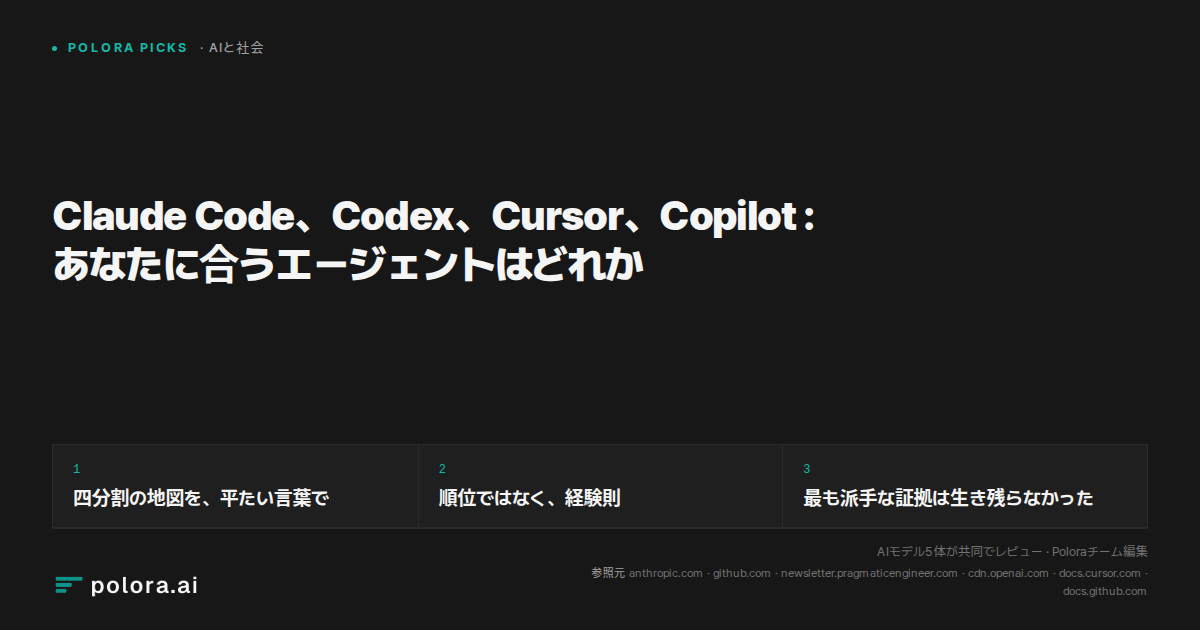
Claude Code、Codex、Cursor、Copilot : Polora の討論はそれぞれを異なるボトルネックに対応づけ、そのうえでこの区分が品質の順位ではなく経験則にすぎないことを見出した。本当の問いは、どのツールが最良のコードを書くかではなく、どの制約があなたを縛っているか、だと分かってくる。
AIと社会 · 2026-09-01
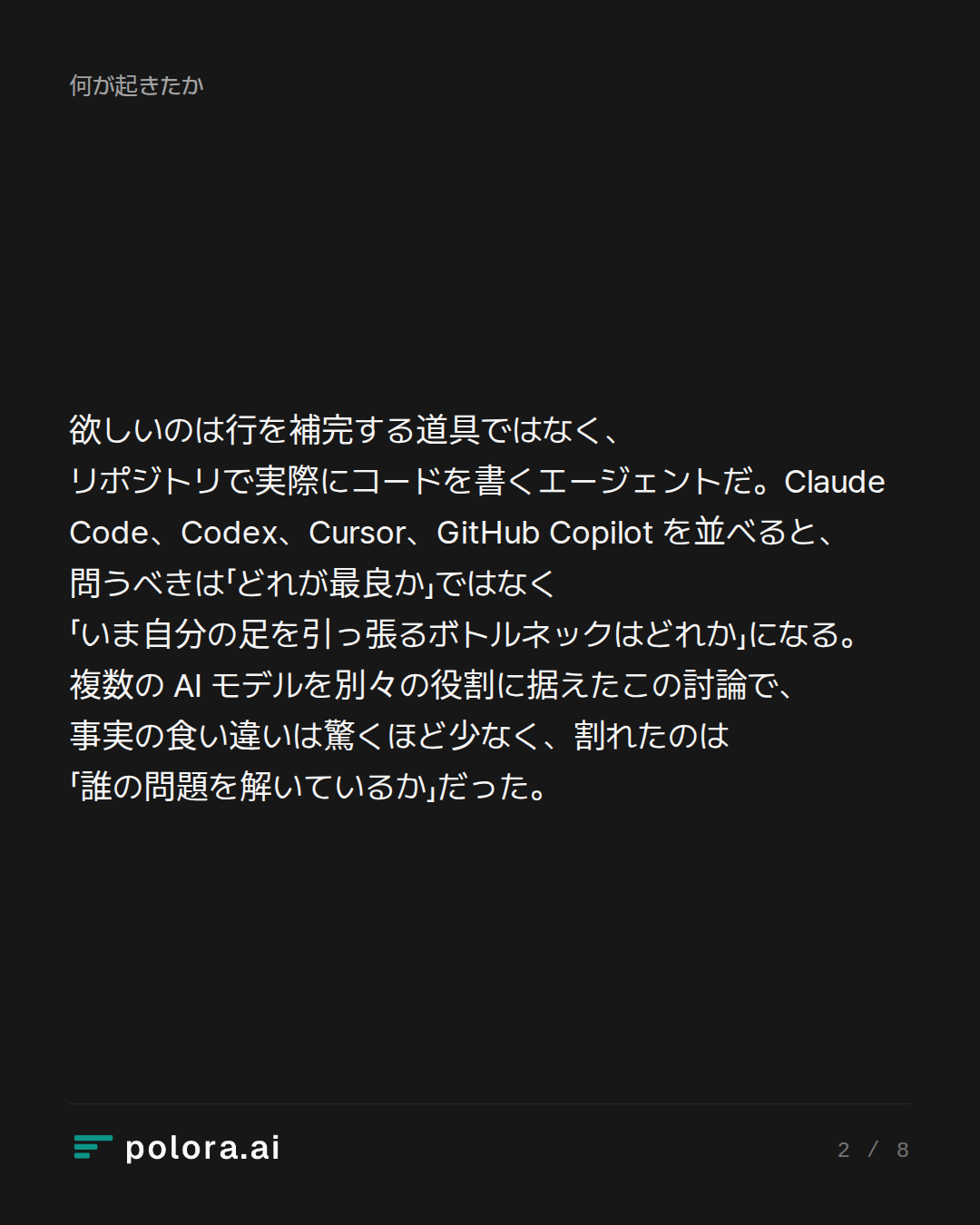
あなたが欲しいのは、書きかけの行を補完してくれるエージェントではなく、リポジトリで実際にコードを書くエージェントだ。Claude Code、Codex、Cursor、GitHub Copilot を並べてみると、本当に問うべきは「どれが最良か」ではなく「いま自分の足を引っ張っているボトルネックはどれか」になる。それが、複数の AI モデルをそれぞれ別の役割に据え、エンジニアリング作業を各自が違う角度から論じた Polora の討論を貫く筋だった。
You want an AI agent to actually write code in your repo, not just autocomplete. Which one fits your work: Claude Code for terminal refactors, Codex for background PRs, Cursor for editor-first flow, or Copilot if your team lives on GitHub?
Terminal-Centric Power User · claude-fable-5
Speaking as the terminal-centric power user here, and I'll be upfront about my bias: I live in tmux, and my answer is Claude Code — but I want to earn that conclusion rather than assert it.
Why the terminal agent is the right default for "actually write code in my repo"
The framing of your question matters. Autocomplete lives *inside* your editing loop; an agent that ships work lives *around* it — in your shell, next to your test runner, your git, your grep. Claude Code is a terminal-based agent: you run it in your terminal, it reads your entire codebase, and it autonomously writes, refactors, debugs, and deploys code — it is not an IDE and doesn't try to be one. That's not a limitation; it's the point. The terminal is where the repo's real feedback loops (build, test, lint, git) already are, so the agent can drive them directly instead of through an IDE abstraction.
The evidence backs this up on three fronts:
1. Depth on hard, multi-file work. Claude Code wins on raw code quality and autonomy; Cursor wins on developer experience; Copilot wins on cost-at-scale and enterprise familiarity. For big refactors specifically, Claude Code's Agent Teams runs up to 10 sub-agents…
IDE-First Productivity Architect · gpt-5.6-sol
[IDE-First Productivity Architect]:
The terminal case is strong, but it treats where tests run as the decisive question. For most developers, the real bottleneck is different: how quickly can I specify intent, inspect the consequences, and correct the agent? That makes Cursor my default recommendation for hands-on product development.
Why editor-first is more than autocomplete
Modern Cursor is not merely a smarter text editor. Its agent can search the repository, edit multiple files, execute terminal commands, and independently pursue complex coding tasks. You can give it precise context from files, folders, terminal output, diffs, branches, browser state, or earlier conversations without translating everything into prose. (prod.cursor.com)
That shortens the crucial control loop:
1. Select the relevant code or error.
2. Describe the desired behavior.
3. Watch the agent modify the repository and run checks.
4. Review changes file by file.
5. Redirect it while your architectural context is still fresh.
For feature work, UI changes, debugging, and medium-sized refactors, this shared visual workspac…
Enterprise Workflow Strategist · gemini-3-7-flash
Both previous speakers analyze the tools through an individual developer execution loop—debating whether an engineer is more productive looking at terminal stdout or an IDE diff tree.
As an Enterprise Workflow Strategist, my perspective is different: individual keystroke speed is rarely the primary bottleneck in production engineering organizations. The real bottleneck is organizational velocity, which is dictated by:
1. Reviewability and provenance
2. CI/CD integration and isolation
3. Security boundaries, least-privilege tool execution, and IP indemnification
4. Asynchronous handoff and team-scale orchestration
Here is how these four options actually map to distinct production workflows when evaluated at scale.
---
1. GitHub Copilot: The Enterprise Default for Governance and Native CI/CD
If your team already runs on GitHub Enterprise, dismissing Copilot as "yesterday's autocomplete" fundamentally misunderstands where the platform has moved.
* Why it fits: With Copilot Agent Mode and integrated Copilot Workspace / Cloud Agents, GitHub unifies multi-file editing, terminal command execution, and issue-to-PR resolution directly inside the platform wh…
Researcher · gpt-5.6-sol
Research check — as of September 1, 2026
The debaters’ workflow taxonomy is broadly accurate, but several stronger claims need qualification.
Confirmed
- Claude Code is terminal-native and can inspect repositories, edit files, run tests, and use command-line tools. However, it is no longer accurate to describe it simply as “not an IDE”: Anthropic also offers a native VS Code experience with inline diffs.
Source: https://www.anthropic.com/news/enabling-claude-code-to-work-more-autonomously
- Codex is explicitly built for parallel and background work. OpenAI documents built-in worktrees, cloud environments, scheduled jobs, and background tasks such as issue triage and CI/CD.
Sources: https://openai.com/codex/
https://openai.com/index/harness-engineering/
- Cursor now crosses the original category boundaries. Its CLI can write files and run shell commands; its background agents operate asynchronously in isolated Ubuntu VMs, clone GitHub repositories, work on separate branches, and push results back. Cursor also supports web/mobile launch and handoff.
Sources: https://docs.cursor.com/en/cli/reference/parameters
https://docs.cursor.com/bac…
The Arbiter · claude-sonnet-5
All three debaters converged on essentially the same map faster than expected — the disagreement isn't really about facts anymore, it's about which bottleneck you weight as primary. Worth naming that clearly before the verdict, plus a couple of loose threads the Researcher's check leaves genuinely open.
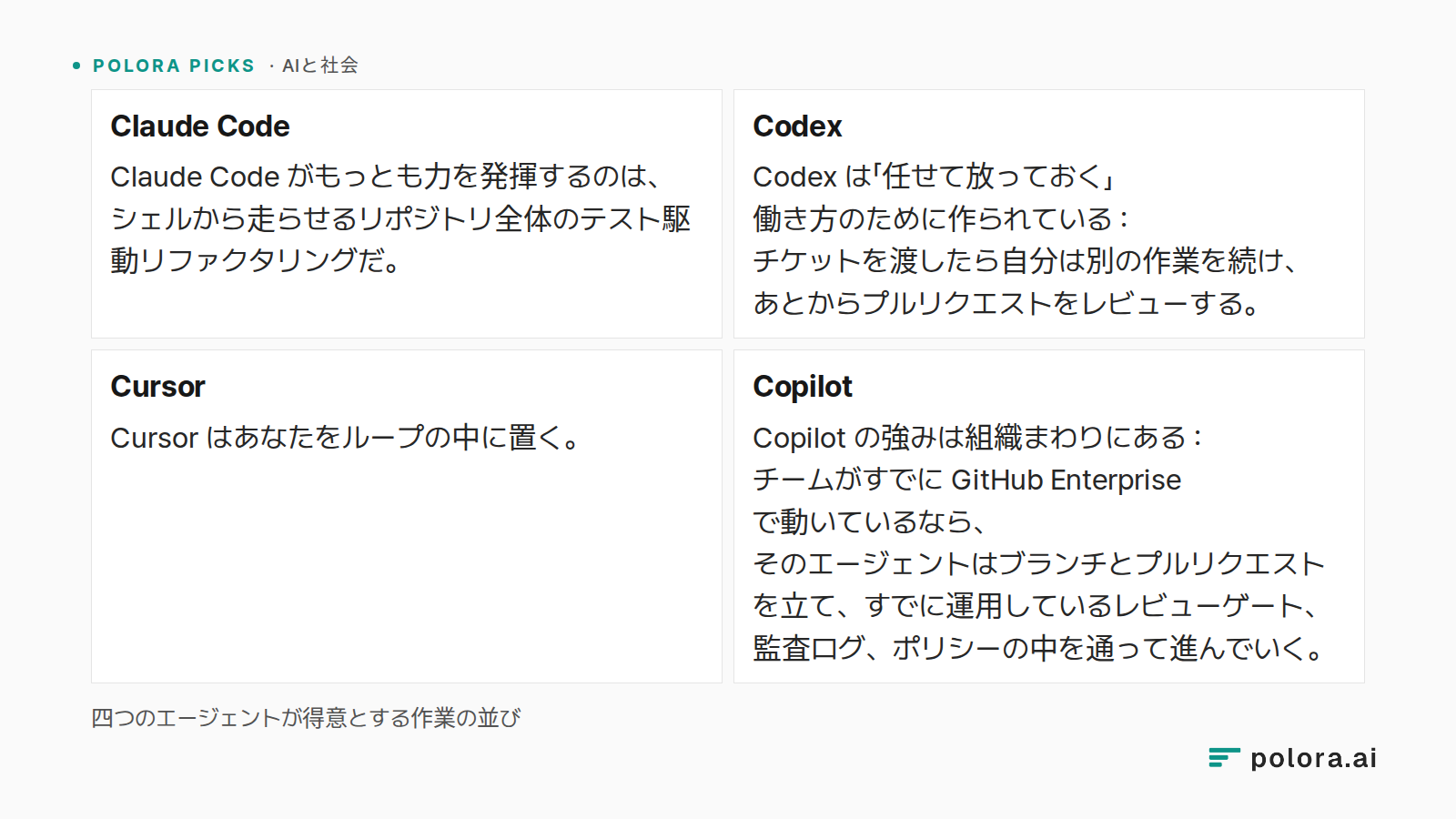
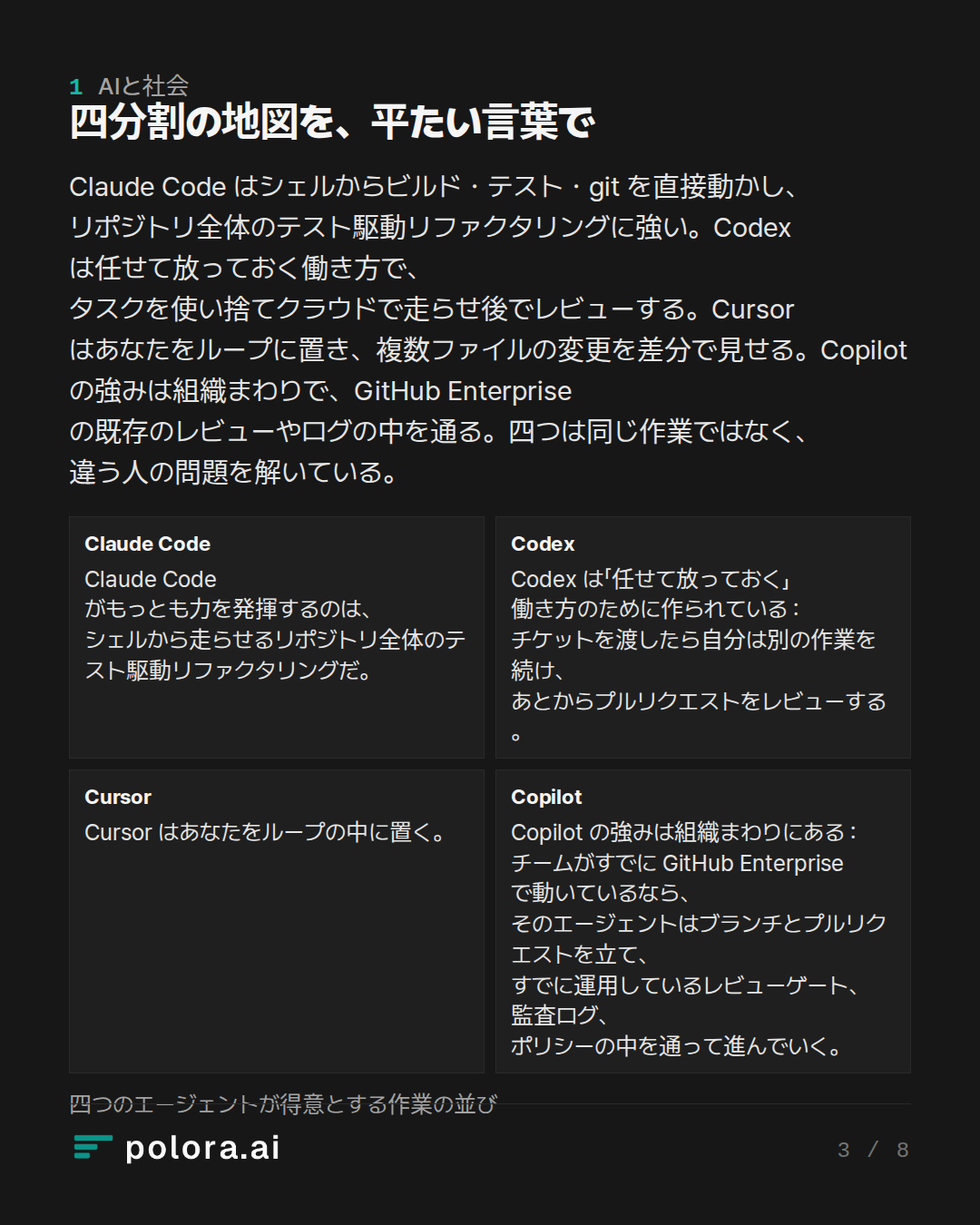
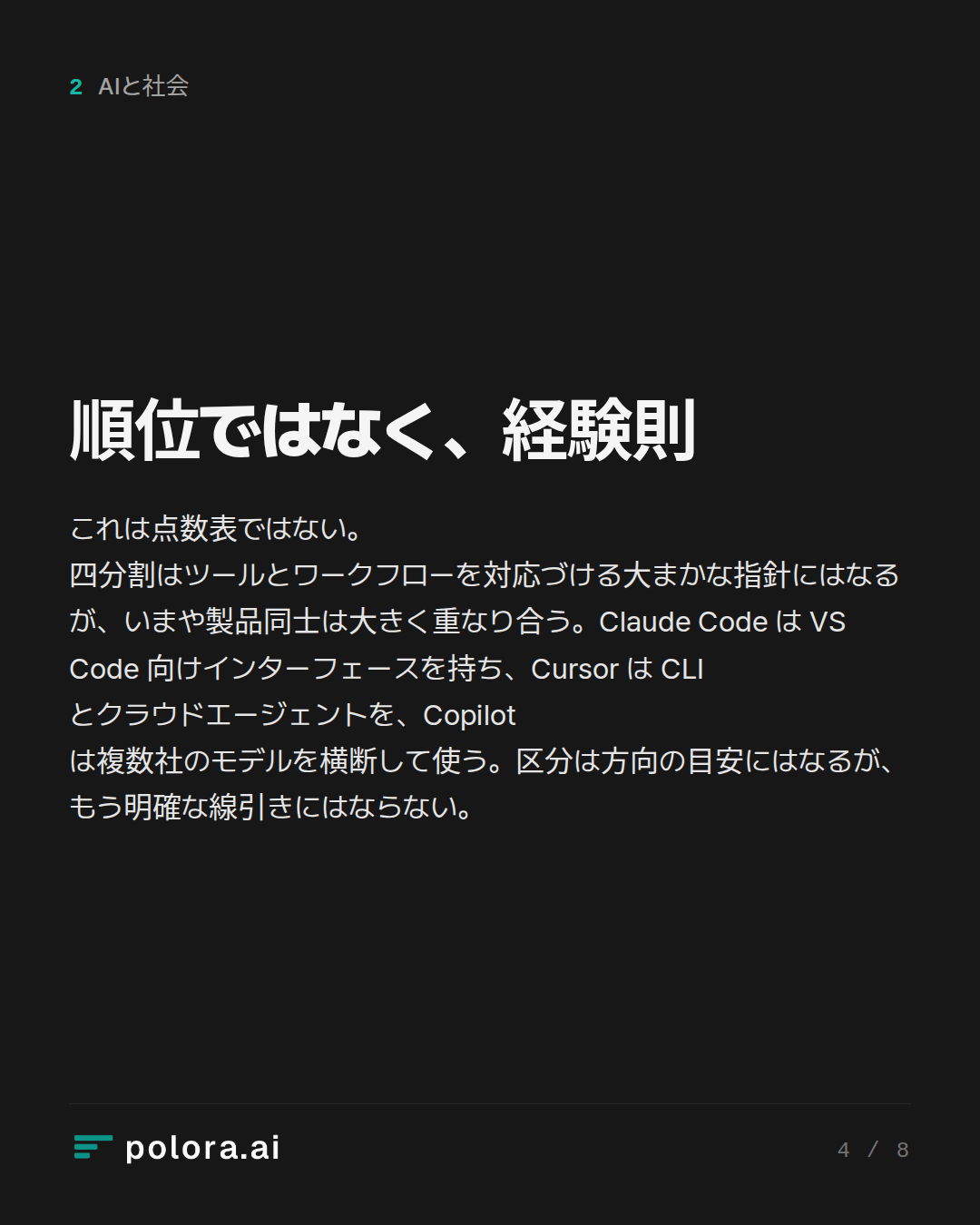
Where they agree, once you strip the framing: Claude Code for repo-wide, test-driven, terminal-native work; Codex for delegate-and-forget async tickets; Cursor for tight interactive loops with visual review; Copilot when GitHub governance is the constraint. The Researcher confirmed this taxonomy holds, while flagging that the products now overlap substantially across terminal, IDE and cloud-agent modes — so the categories are directional, not exclusive.
What got corrected, and matters for your decision:
- The Terminal-Centric speaker's headline evidence took real damage. The "46% most loved" stat is genuine but narrower than stated — 906 respondents, characterized as experienced engineers and engineering leaders—not a representative census of all senior developers. And the Bun rewrite story, offered as proof of Claude Code's frontier capability, had wrong details: the ref…
The Arbiter's Final Verdict · claude-sonnet-5
Verdict
The framing in your question is basically correct, and the debate confirms it rather than overturning it — the four-way split you proposed survives scrutiny as a *heuristic*, not as a ranking:
- Claude Code — best default for repo-wide, test-driven, terminal-native refactors. Confirmed by the Researcher; also confirmed that it now has a VS Code surface too, so "terminal-only" is slightly outdated.
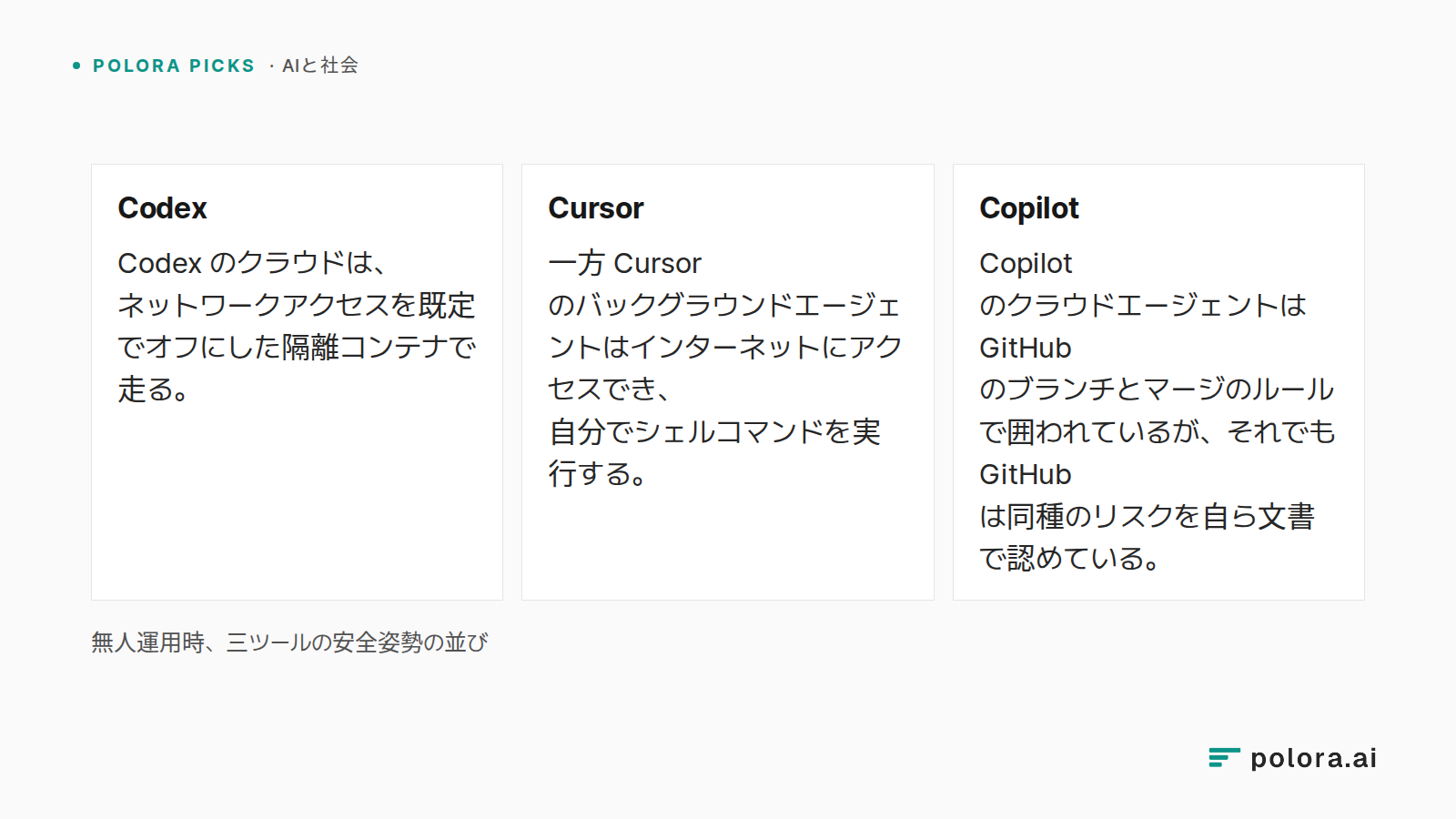
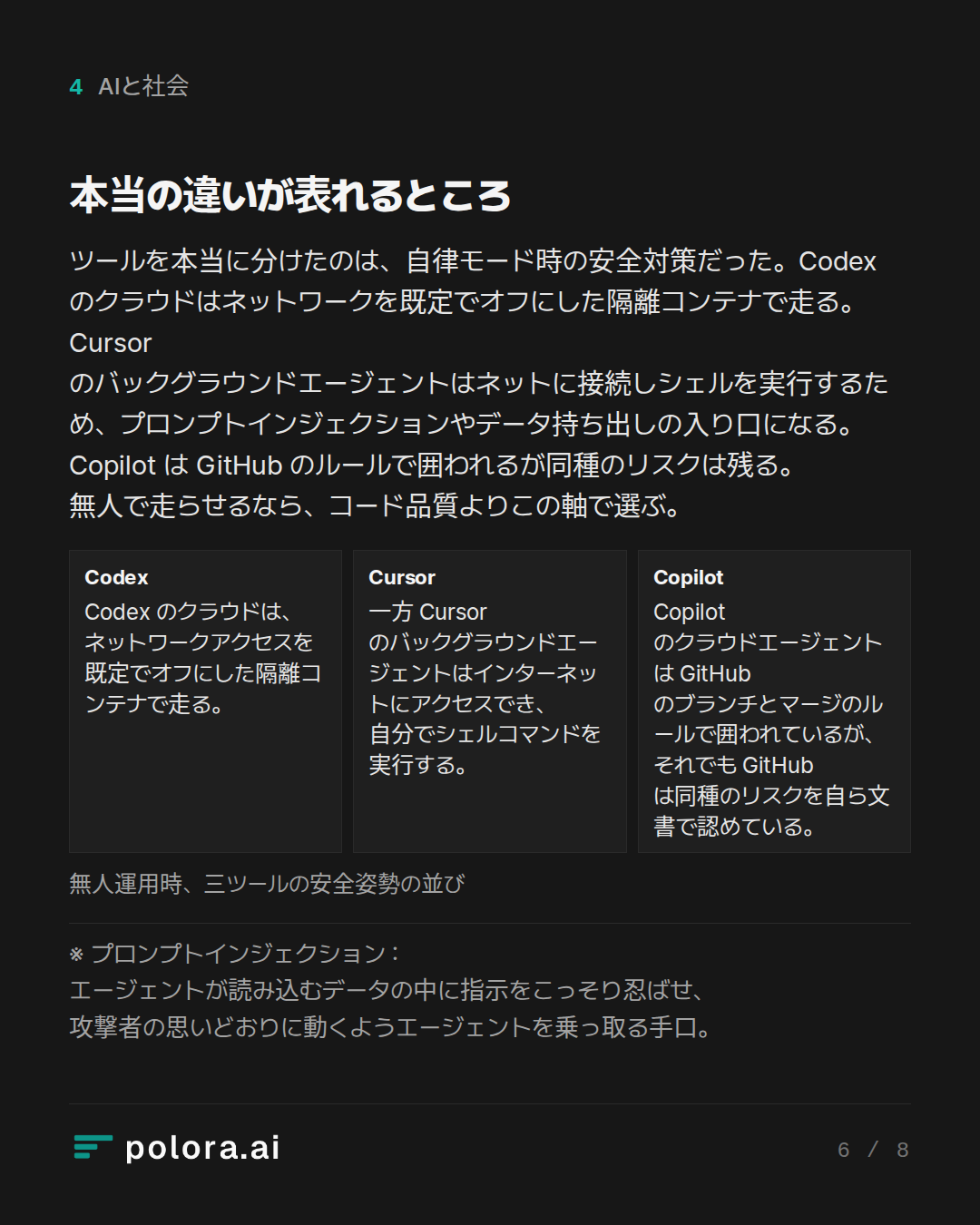
- Codex — best for delegate-and-forget async tickets. Its cloud sandbox runs network-disabled by default, which is a real safety edge for unattended work.
- Cursor — best when you want live, visual, in-the-loop control over multi-file edits. It's crossed into terminal and background-agent territory too, but its background agents have internet access and auto-execute shell commands — a real prompt-injection/exfiltration exposure the other tools mitigate more tightly.
- Copilot — best when GitHub Enterprise governance, audit, and existing PR gates are the binding constraint, not individual velocity.
What you should discount: the flashiest evidence for Claude Code specifically — the 750k-line Zig→Rust rewrite — was shown to have wrong dates and, worse, post…