A finance manager at a 40-person company builds budget and cash-flow models in Excel. Every quarter they present a board pack, the set of financial reports the board of directors reviews. They want AI help with two jobs. The first is building new models. The second matters more : auditing existing workbooks, which means checking them for broken references and silent errors. A broken reference is a formula that points to cells that were moved or deleted. A silent error is a formula that returns a perfectly plausible number that happens to be wrong. Three AI tools keep coming up, each from a different company. Claude for Excel, from Anthropic, is an add-in, a small program that runs inside Excel, and it comes with paid Claude plans. Microsoft 365 Copilot, from Microsoft, also works inside Excel. Gemini, from Google, works inside Google Sheets, Google's online spreadsheet. The company runs on Microsoft 365, Microsoft's subscription bundle of Excel, Word, Outlook and its other office apps, but a few colleagues work in Sheets.
Polora put that question to AI models built by Anthropic, OpenAI and Google. Three specialist models each gave a recommendation. A researcher model checked their prices and claims against published sources, and a moderator model gave the final answer. What follows is their comparison, including where their numbers were wrong and where the public evidence runs out.
The AI models agreed on a division of labor : Copilot to build, Claude for Excel to audit
The three specialist AI models came to the same division of labor. The Enterprise Ecosystem Analyst, an OpenAI model, argued that Copilot should do the building. Its reason was not that Copilot invents better finance logic. It was that Copilot works inside the environment where the model already lives, along with its permissions, shared files and board-pack process. The question asked about Copilot's Agent Mode, but that name may not be the one you see. The Analyst pointed out that Microsoft now calls it Edit with Copilot, and Microsoft's current documentation describes three ways of working in Excel : Edit, Plan and Chat. The moderator model advised checking which names and features appear in your own company's setup rather than relying on a label. The Analyst advised using Plan before allowing any direct edits. The Spreadsheet Engineering Specialist, an Anthropic model, called that habit of planning before touching cells the most important safety property when a tool generates a new model.
For auditing, all three chose Claude for Excel, including the Risk and Audit Strategist, which is a Google model. The deciding feature was that Claude points to specific cells. Anthropic says the add-in can explain a workbook, track its changes and take you to the cells it refers to. The Spreadsheet Engineering Specialist put the argument bluntly : an audit finding you cannot trace to a cell reference is not an audit finding, it is a rumor.
The moderator model drew the line the reader most needs. This is a workflow recommendation, not evidence that Claude catches more silent errors than Copilot. The researcher model added that when three models reason from overlapping public material, their agreement is notable but is not proof, because they can share a blind spot.
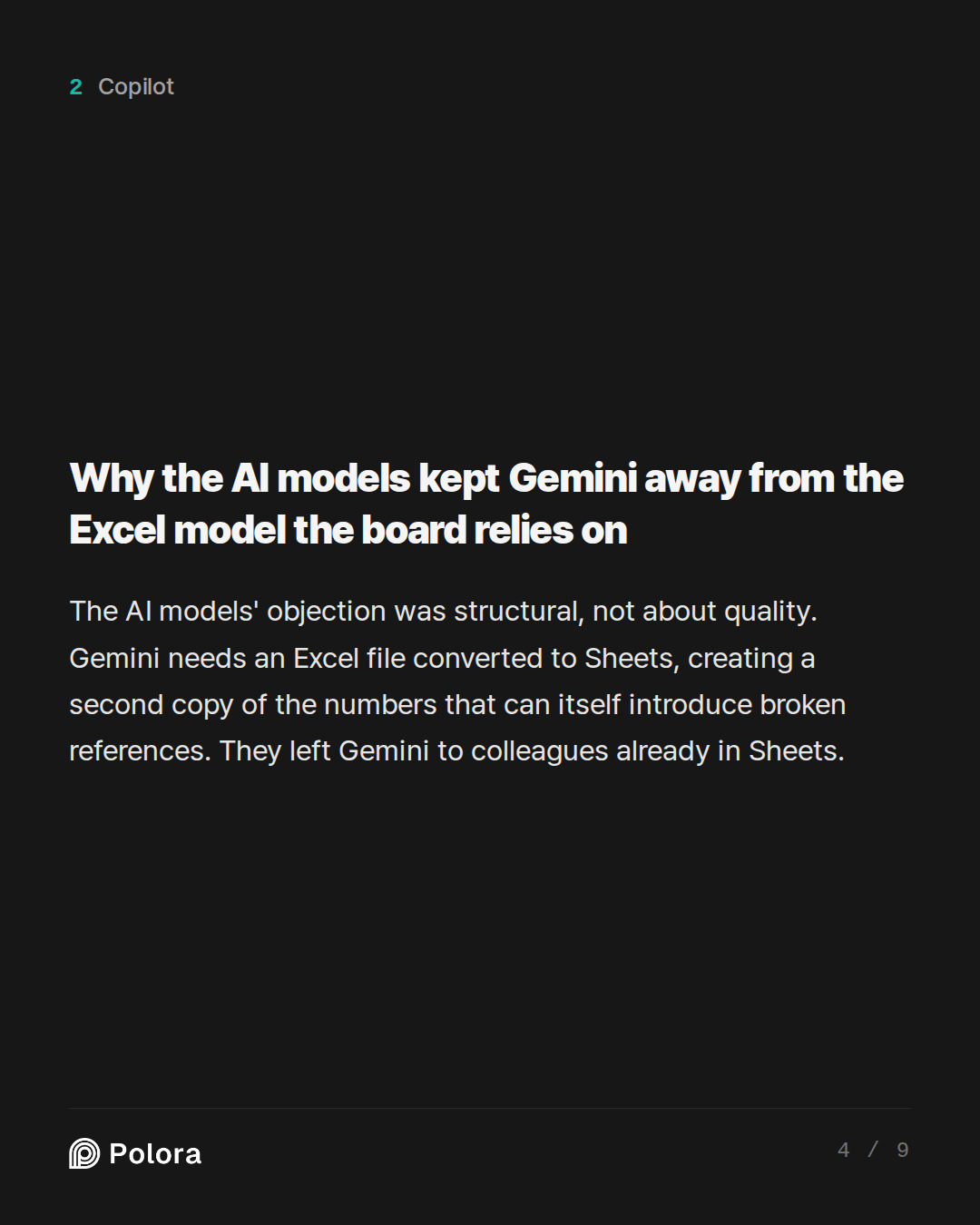
Why the AI models kept Gemini away from the Excel model the board relies on
None of the AI models called Gemini weak. Their objection was about structure. Google says Gemini works best in native Google Sheets and asks users to save an Excel file as a Sheets file to use its features. For a multi-sheet workbook full of links between tabs, that conversion creates a second version of the company's financial numbers. The Spreadsheet Engineering Specialist warned that converting can itself introduce the kind of error the tool is supposed to find, such as broken references, formulas that no longer fill a block of cells the way they used to, and changed rounding.
The Enterprise Ecosystem Analyst also noted limits in Gemini's AI formula, which you type into a cell as =AI() to ask Gemini something and get its answer back in that cell. It returns text only, cannot see the whole workbook and cannot be placed inside other formulas. The Risk and Audit Strategist claimed that Google had launched a specific error-fixing feature in June 2026, but the researcher model could not confirm the feature or the date. The models' shared advice was that Gemini makes sense for colleagues whose work already lives in Sheets and is included in their plan, but not as the auditor of the model the board relies on.
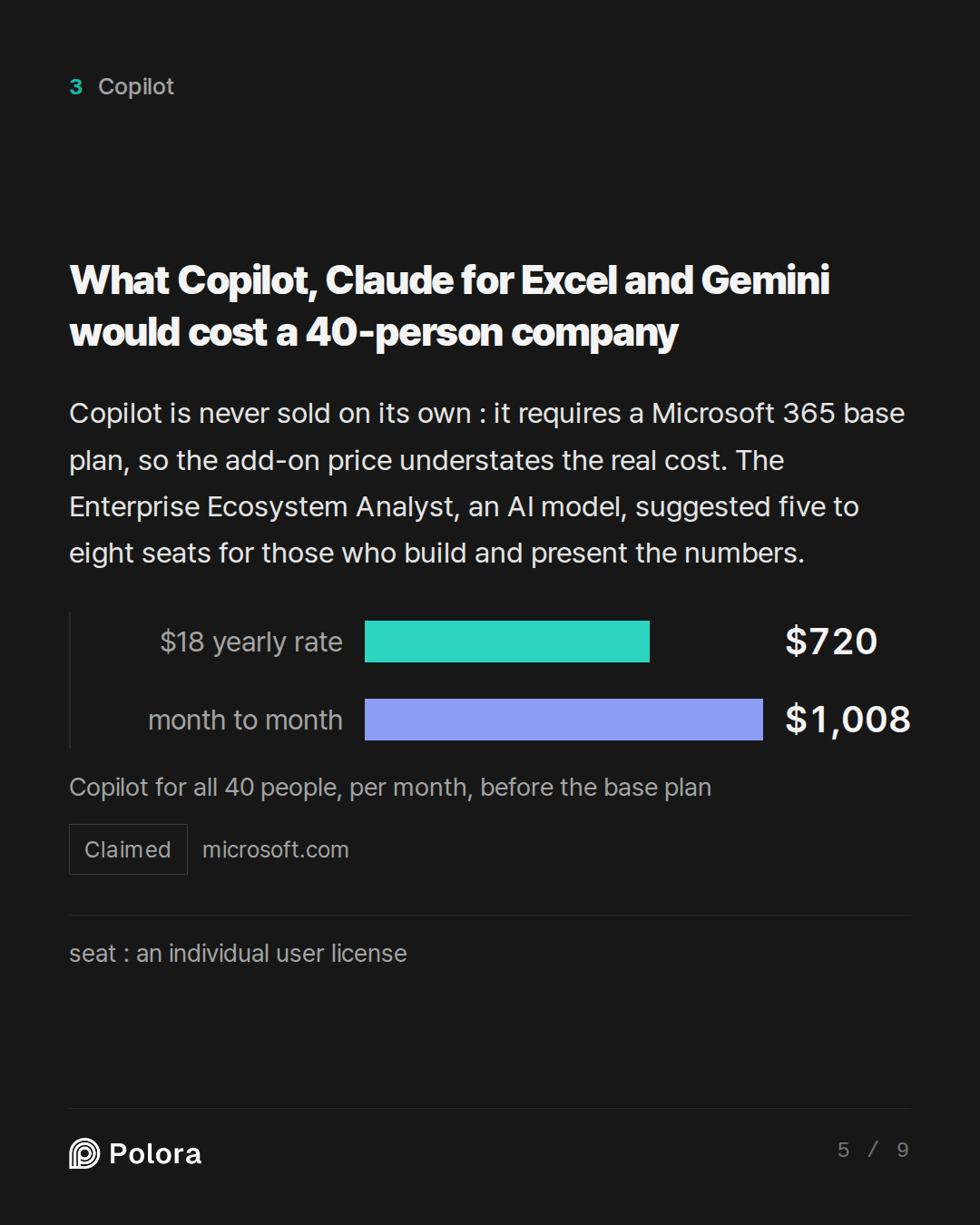
What Copilot, Claude for Excel and Gemini would cost a 40-person company
Two of the specialist AI models got prices wrong, and the researcher model corrected them. For a company this size, Microsoft 365 Copilot Business lists at $21 per user per month billed yearly, $18 under a promotional offer, or $25.20 month to month, for organizations of up to 300 users. The $30 figure one model quoted is the enterprise price. Copilot is never sold on its own. It requires an eligible Microsoft 365 base plan, such as Microsoft 365 Business Standard at $14 per user per month, so the add-on price understates the real cost. Public sources disagree on when the promotion ends. Microsoft's own page says December 31, 2026, and limits the $18 rate to a yearly commitment in the first year only. Other sources say September 30, which is days away. The researcher suggested checking the quote in the Microsoft 365 admin center, the console where a company's IT administrator manages accounts and licenses.
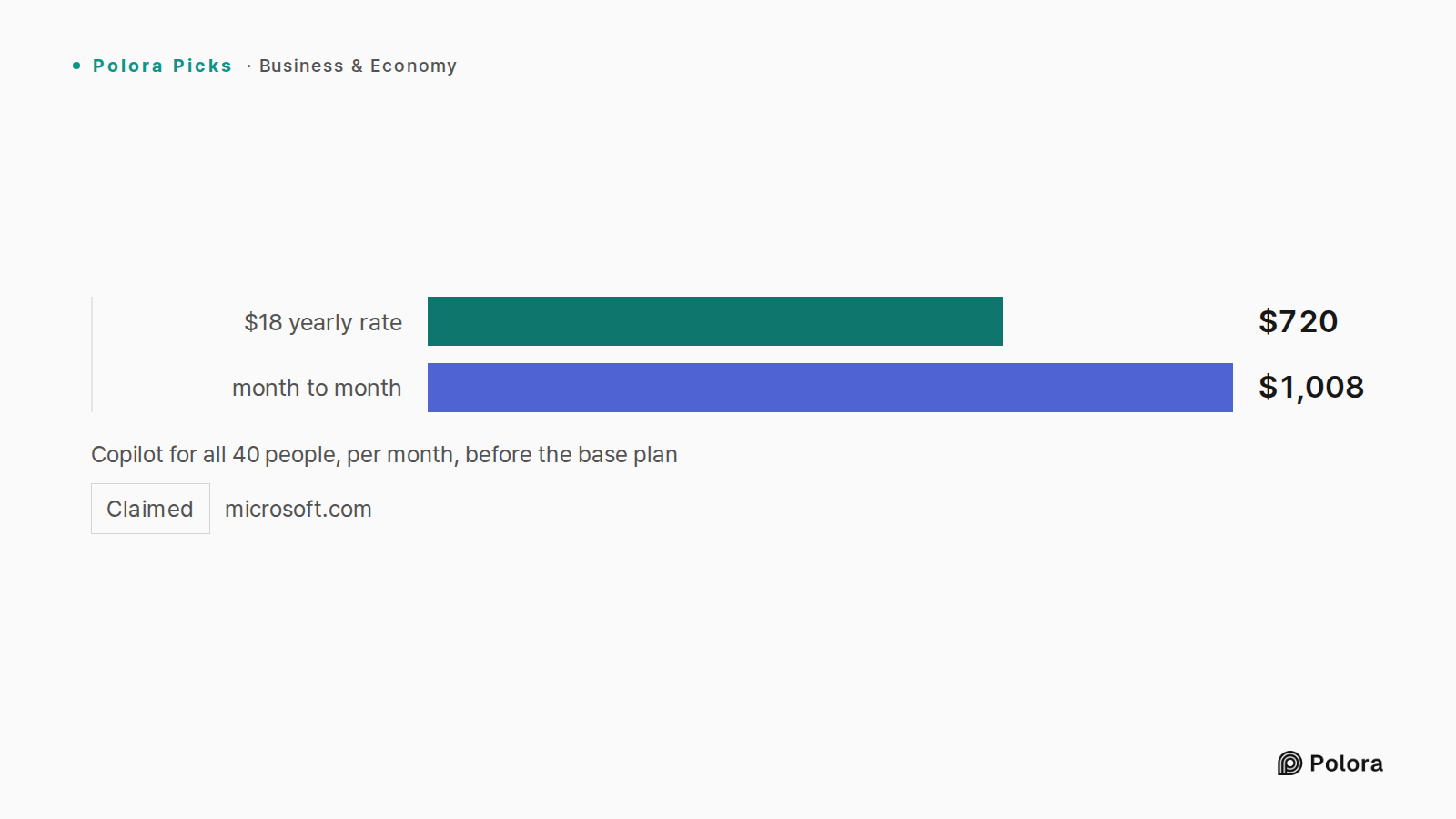
Adding it up, the Enterprise Ecosystem Analyst worked out that Copilot for all 40 people would come to about $720 a month at the $18 yearly rate, or $1,008 a month month to month, before the base plan. It suggested starting instead with five to eight seats, meaning individual user licenses, for the people who actually build and present the numbers.
Claude for Excel has no separate price. It comes with paid Claude plans : Pro at $20 a month, Max at $100 and up, and Team. The moderator read the current Team listing as $20 per seat per month billed yearly or $25 monthly, with a two-seat minimum, lower than the Analyst's figures of $25 and $30 with a five-seat minimum. Running Claude in Excel requires a Microsoft 365 work account but no Copilot license.
Gemini in Sheets starts with Google Workspace Business Standard at $14 per user per month billed yearly. Because the AI is bundled, everyone on the plan pays for it whether they use it or not. The Spreadsheet Engineering Specialist added a warning about Copilot. On top of the seat price, usage fees can be charged each time the AI carries out certain tasks, and several such charges can run at once, so it advised setting spending limits on the first day.
A $20 Claude plan may run out halfway through auditing a large workbook
The Spreadsheet Engineering Specialist, one of the AI models in the comparison, called usage limits its single strongest practical warning. Users have reported hitting the Pro plan limit within minutes, after only a few formatting tasks and one error check, with the work left half done. The add-in uses up the allowance much faster than chat, because each request reads the workbook, reasons about it and takes several separate actions. Auditing a large linked workbook is about the most demanding thing you can ask of it.
A separate review the researcher model found agrees. Pro suits daily analytical work, while the $100 Max plan gives much more room for heavy financial modeling. The Specialist framed it as a choice : pay for a higher tier such as Max if the board pack is to be audited in one go, or accept auditing one tab per session, rather than buying the $20 plan by reflex. It noted that the complaints date from March 2026 and the limits may have changed since, so the first week of real use is the test.
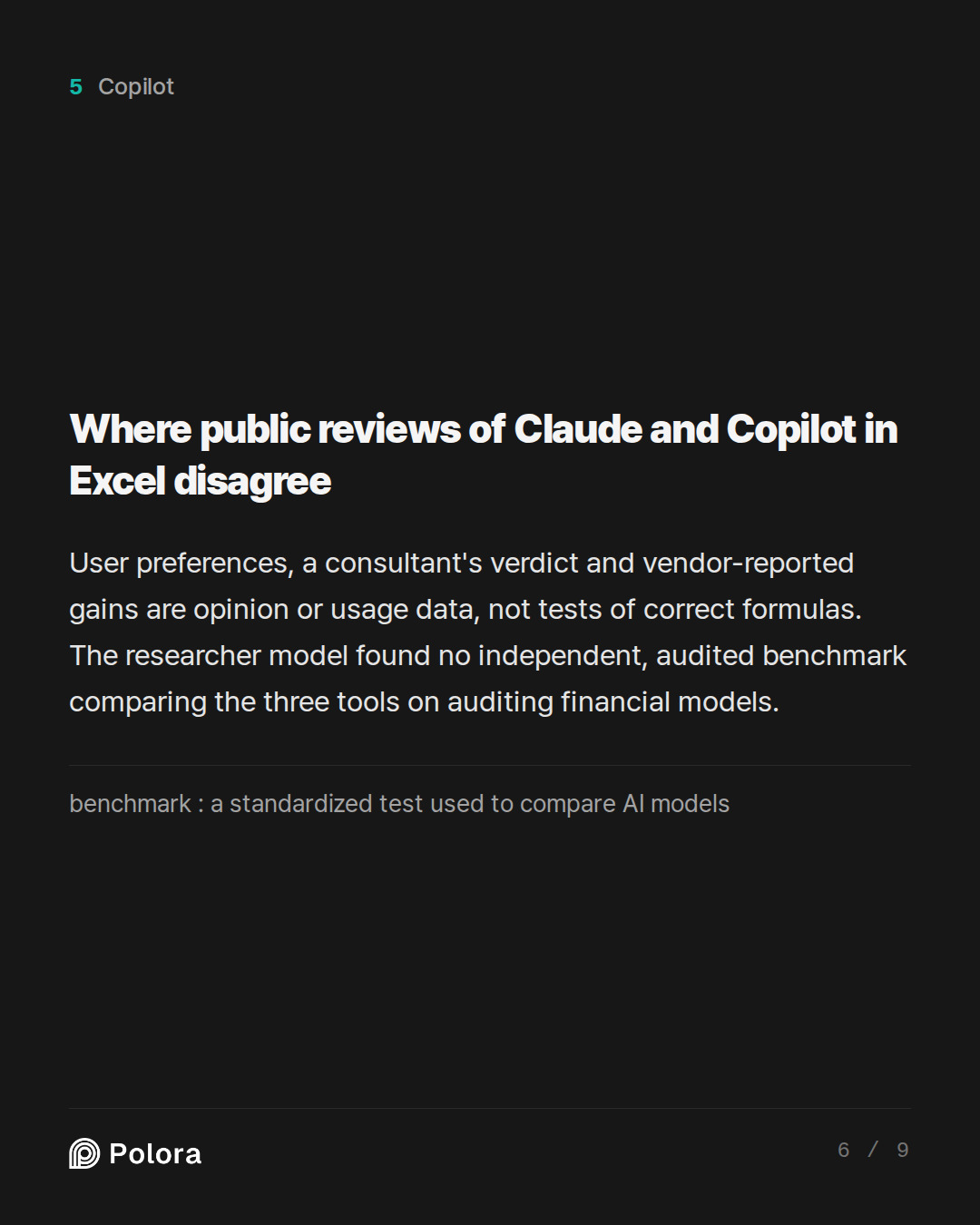
Where public reviews of Claude and Copilot in Excel disagree
The question asked for disagreements to be shown, not settled, and the AI models found several. One review says most users who tried both prefer Claude to Copilot, but that is self-reported opinion, and the same review warned of installation and reliability problems as of March 2026. One consultant's verdict, checked in August 2026, calls Claude the better tool for analysis, models and digging through inherited workbooks, and says Copilot keeps the edge for quick tasks from the Excel menu bar. That is one experienced person's view.
Microsoft reported gains in engagement, retention and satisfaction for Excel during its preview, the trial period before full release. The Spreadsheet Engineering Specialist pointed out that these measure how much people used the product, not whether its formulas were correct. Anthropic has cited a result for Claude on a finance benchmark, a standardized test used to compare AI models, and Microsoft reports improvements in reliability. Neither claim, the Enterprise Ecosystem Analyst said, shows how either tool will handle your own hidden tabs, links to other files and conventions. The researcher model's conclusion was plain. It found no independent, audited benchmark comparing these three tools on financial-model auditing. Any claim that one is measurably better at it goes beyond the evidence.
Is it worth running two AI tools on the same Excel model? The AI models said yes
The Spreadsheet Engineering Specialist, an Anthropic model, based its case on separation of duties, the accounting rule that the person who records a transaction in the books does not also approve it. A model checking its own work carries its own blind spots. If Copilot misreads the assumptions tab while writing a formula and then checks that same formula, the mistake passes through both steps and looks like confirmation. A reviewer built by a different company, with different training, fails in different ways. In the Specialist's view, agreement between the two is weak evidence, and disagreement points to exactly the cell a person should look at.
The moderator model narrowed this down. It suggested giving a few finance users Copilot for drafting and Claude for review, each working on a separate copy of the workbook and never both editing the approved model. Its test was a short pilot scored against known past mistakes and deliberately planted errors : material errors found, false alarms, unintended changes, and whether each finding names an exact cell and its business consequence. It advised adding licenses only if the second tool earns its cost. The Enterprise Ecosystem Analyst warned against asking either tool to fix everything at once, because that produces a clean-looking workbook whose logic has changed in dozens of places. The moderator's own routine points the same way : one proposed change at a time.
Before installing Claude for Excel : IT approval and a possible gap in the record of AI changes
An organization-wide rollout goes through the Microsoft 365 admin center, where an IT administrator deploys the add-in to everyone, to named users or to groups. The Spreadsheet Engineering Specialist, one of the AI models, noted that the administrator must also approve Anthropic as an outside company allowed to handle company data. Because a cash-flow model contains figures from which payroll can be inferred, it said that conversation should happen before installation. The add-in needs recent Office apps. Office 2016 and 2019 are not supported.
The researcher model raised a gap the others had missed. A review from March 2026 said the add-in did not yet keep the kind of detailed log auditors expect. If that is still true and an external accountant or the board asks what the AI changed and when, a manually kept change log may be the only record. The researcher said to confirm the current status, since the review is six months old.
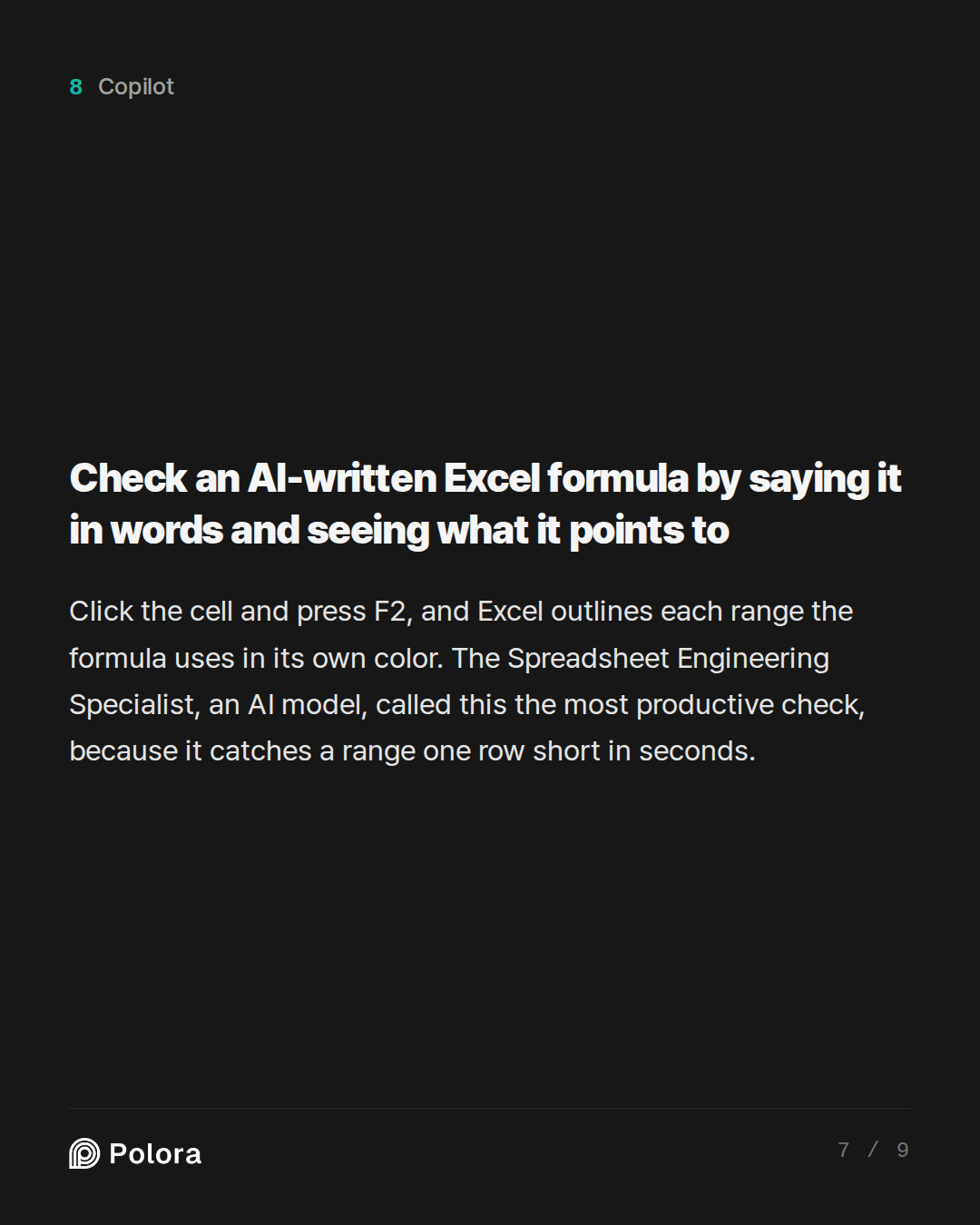
Check an AI-written Excel formula by saying it in words and seeing what it points to
All of the AI models agreed on how a non-programmer should approve a formula, and none of the steps depends on which AI wrote it. Work on a copy, one proposed change at a time. First, ask the AI not to edit anything, and to propose the formula, explain every reference in plain English and suggest test cases. Then restate the rule in your own words, for example that ending cash equals opening cash plus receipts minus payments. If your sentence and the AI's explanation differ, stop there.
Next, click the cell and press the F2 key, which opens the formula for editing. Excel then outlines each cell or range the formula uses in its own color, so you are not reading code but checking whether the colored boxes cover the right sheet, the right period and every row. The Spreadsheet Engineering Specialist called this the most productive check of all, because it catches a range that stops one row short, or a shifted column, in seconds. Trace Precedents and Trace Dependents show with arrows what feeds the cell and what it feeds. Evaluate Formula steps through the calculation and shows the value at each stage, so you can see where the number stops making sense.
Then copy the formula one month to the right and one row down, and look again. Many formulas work in one cell and break when copied. Check the first forecast month, a year-end, the start of the next fiscal year and the last month, not just a comfortable month in the middle.
※ Trace Precedents : an Excel command on the Formulas tab that draws arrows from a cell to the cells its formula uses.
Test an AI-written formula with answers you can work out yourself
Change the inputs in the copy and watch what happens. The AI models suggested three cases : a simple example you can do in your head, a zero or boundary case such as zero revenue or the first forecast month, and a stress case such as payroll up 10 percent or collections delayed 30 days. A discount formula given a zero rate must return the undiscounted amount. The Risk and Audit Strategist, a Google model, added a quick test. If a result does not move when you enter an extreme input, the AI has probably typed in a fixed number where a link should be.
Then compare against a calculation done separately, with a calculator or a simple scratch sheet, and not with another AI explanation. Units times price should equal revenue. Headcount times monthly cost should equal payroll. Opening cash plus net movement should equal closing cash in every period.
Finally, look for errors that never show #REF!, the message Excel displays when a reference is broken. These include numbers typed inside formula rows, totals whose SUM range, the block of cells being added up, stops before the last line, reversed signs on cash outflows, links to last year instead of last month, and the one the Spreadsheet Engineering Specialist singled out as the most dangerous in AI-generated finance models : IFERROR wrapped around a formula so that real breakage shows up as a tidy zero. It advised searching the workbook for every IFERROR and justifying each one.
※ IFERROR : an Excel function that shows a chosen value, often zero or a blank, whenever a formula would otherwise show an error.
What a board can rely on is tested logic, not the AI's confidence
The last step in the AI models' routine is to reconcile the whole model. Check that each period's closing cash carries over as the next period's opening cash, that totals which must match actually match, and that the numbers in the board pack agree with the schedules underneath. The Spreadsheet Engineering Specialist suggested permanent check rows at the top of each sheet that show zero when everything agrees and turn red when something breaks, a control that keeps working next quarter when nobody is watching. Save a version before the AI touches anything, compare outputs afterward, and explain every material change. Record each change in a simple log with the cell, the old and new formula, the reason, the tests run and who approved it.
The Specialist's rule sums up the rest. Both tools explain a wrong formula in the same fluent, assured tone they use for a right one, so the AI's confidence counts as no evidence at all. The moderator model ended in the same place. The AI can speed up drafting and point to suspicious cells, but for a model the board relies on, the sign-off is business logic someone has tested and reconciled. The Specialist's practical first step was to have the chosen reviewer audit a model that has already been signed off, where the right answers are known, to see what it catches, what it misses and what it invents.